
Please verify your email address!
ResendValorant Script Generator
The very first Artificial Intelligence Cronus Zen Script Generator!
Loading generator…
The generator could not load. Please try again.
Select Game

























Coming Soon
Coming Soon

Coming Soon
AI Valorant Cronus Zen Script Generator
Custom Scripts for Valorant Aim, Recoil, Fire and Movement Mods
Create custom AI Valorant Cronus Zen scripts with adjustable mod values and custom controller binds. Build a Valorant Zen script with aim assist, anti recoil, rapid fire, hair triggers, bunny hop, crouch shot, stop walking and vibration blocking.
Choose mods like Aim Assist, Anti Recoil, Block Vibration, Bunny Hop, Crouch Shot, Hair Triggers, Rapid Fire and Stop Walking, then adjust the script around your controller layout so your Valorant Cronus Zen setup matches the way you play.
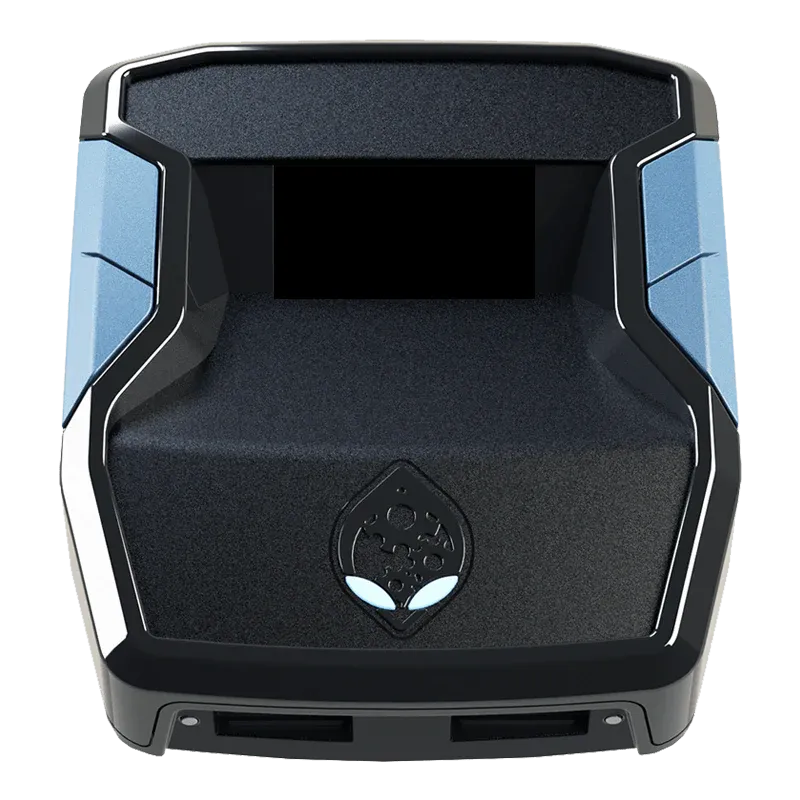

Automatically counters vertical recoil, keeping crosshair steady on target.
L2/LT and R2/RT activate instantly — no need to wait for a full press.
Turns semi-auto weapons into full-auto with adjustable delay.
Boosts aim assist, making crosshair track enemies more aggressively.
Reduces weapon kick while firing.
Makes Aim Down Sights and Fire respond faster.
Fires semi-auto weapons repeatedly while held.
Boosts aim assist, making crosshair track enemies more aggressively.
Counters weapon recoil while firing in GTA V combat.
L2/LT and R2/RT activate instantly, so aiming and shooting respond without a full trigger press.
Automatically counters vertical recoil, keeping crosshair steady on target.
Adds small rotational aim movement while aiming or firing.
Turns semi-auto weapons into full-auto with adjustable delay.
Repeats jump for movement chaining.
Automatically crouches when firing, making you a harder target in gunfights.
L2/LT and R2/RT activate instantly — no need to wait for a full press.
Blocks controller vibration so rumble feedback does not interfere with script performance or controller input feel.
Counters weapon kick for RDR2 firearms with adjustable vertical and horizontal values.
Applies small aim movement while aiming to help RDR2 aim assist stay engaged.
Makes Aim Down Sights and Fire respond faster.
Applies small aim movement to help keep aim assist engaged.
Uses Valorant weapon-specific recoil profiles for Vandal, Phantom, Guardian, Bulldog, Spectre and Stinger.
Blocks controller vibration so rumble feedback does not interfere with input feel.
Repeats jump while holding your jump bind.
Taps crouch when firing using your configured crouch bind.
Makes Aim Down Sights and Fire respond faster.
Adds repeated fire timing for semi-auto use.
Stops left-stick movement while firing to help shots stay stable.