How to manage or cancel your subscription
The old account-dashboard process is no longer available. Use one of the current options below to manage or cancel your subscription.
Use your original email receipt
Open the receipt sent to the email address used for your purchase. Follow the subscription-management or cancellation link in that email and complete the instructions shown by the payment provider.
If you cannot find it, search your inbox and spam folder for your Cronus Zen Central receipt before contacting support.
Open a Discord support ticket
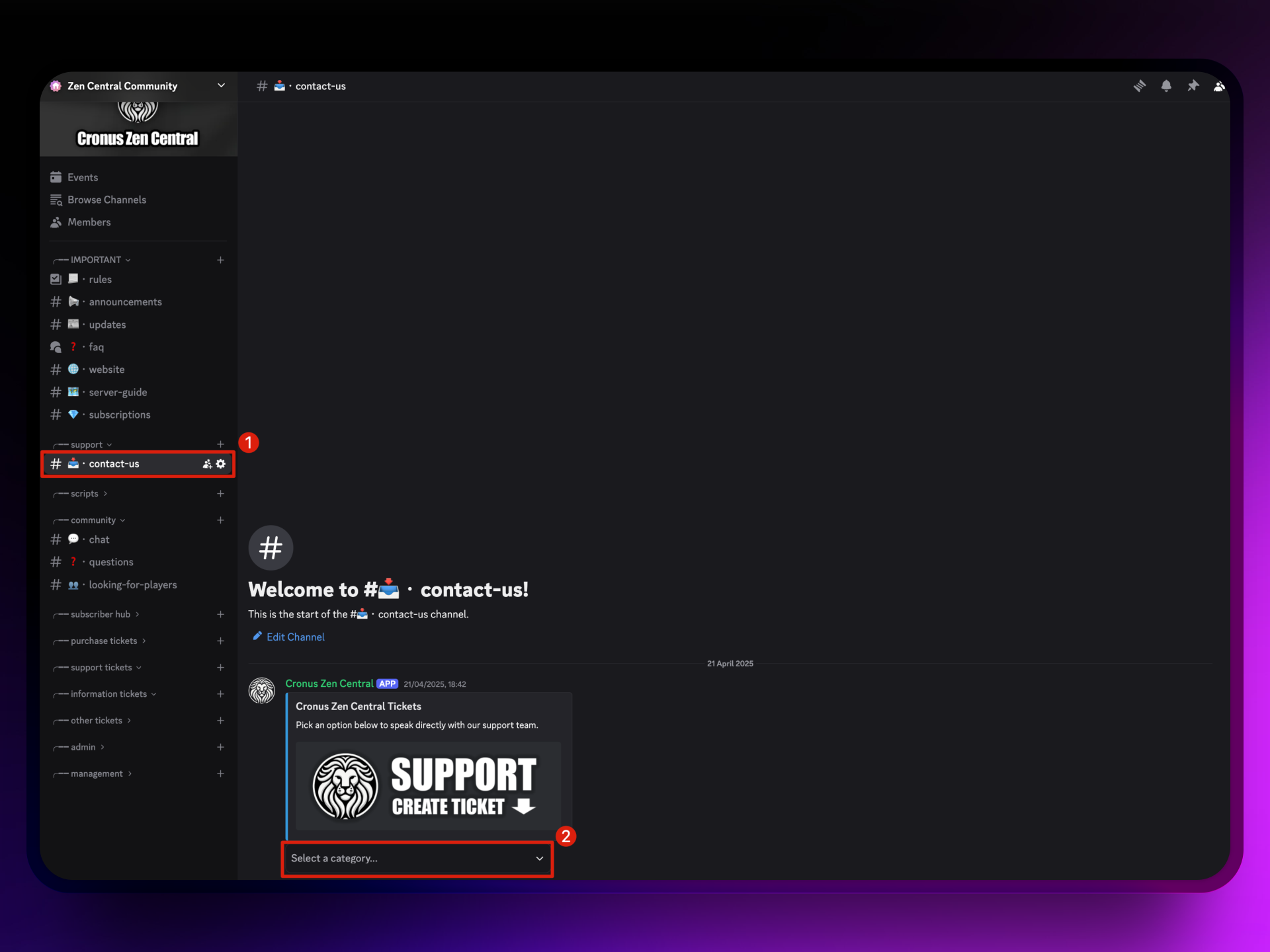
Join the Cronus Zen Central Discord, open the contact-us channel, and select Create Ticket.
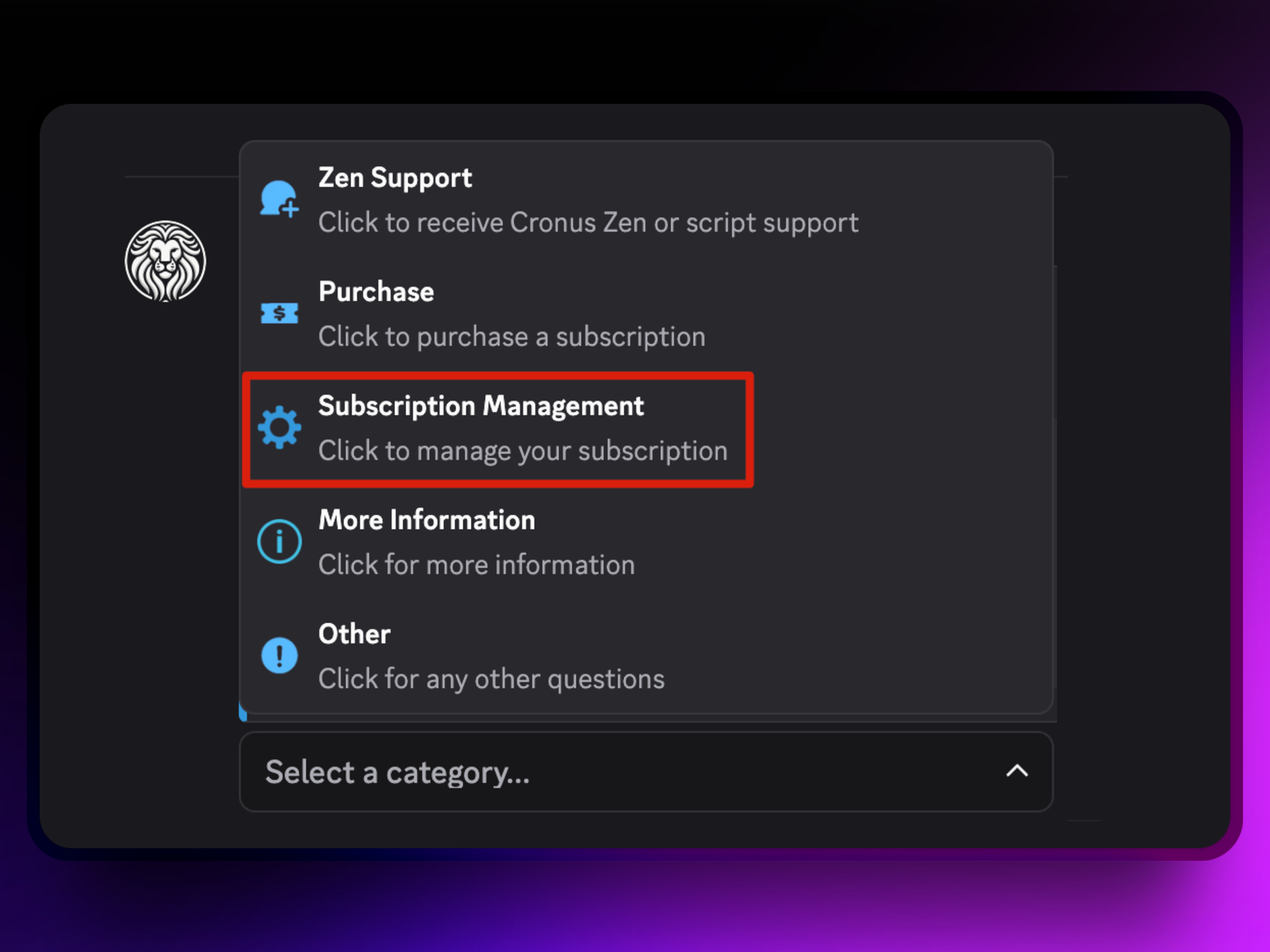
Select Subscription Management when choosing the ticket type. Inside the private ticket, enter the subscription information requested by the team so they can identify and cancel your subscription. Never post payment or subscription details in a public Discord channel.
Raise a website support ticket
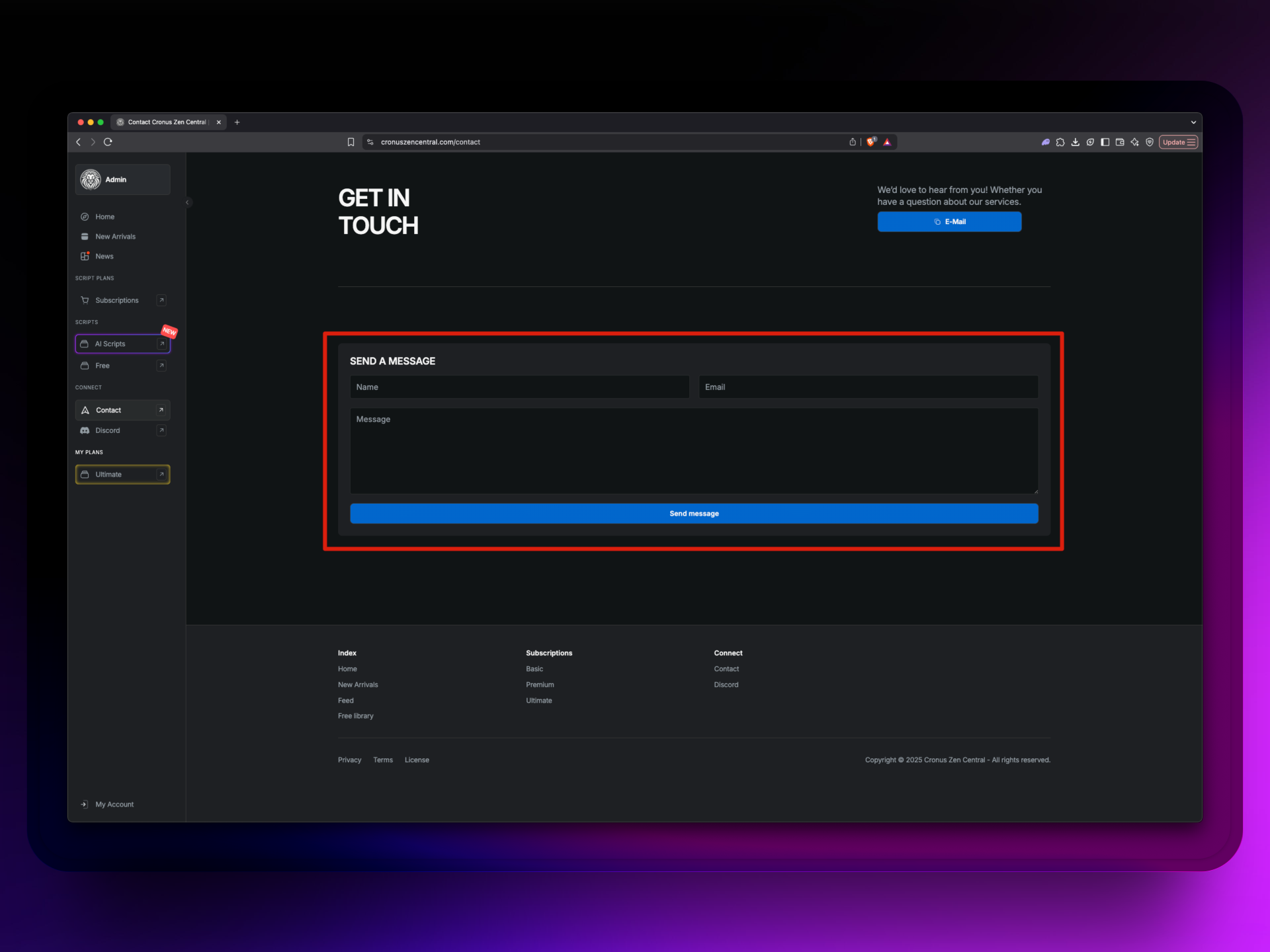
You can also use the Cronus Zen Central contact form. Enter the email address linked to your purchase, explain that you want to manage or cancel the subscription, and send the request.