
How to update your account info
To change your account info, head to your account settings:
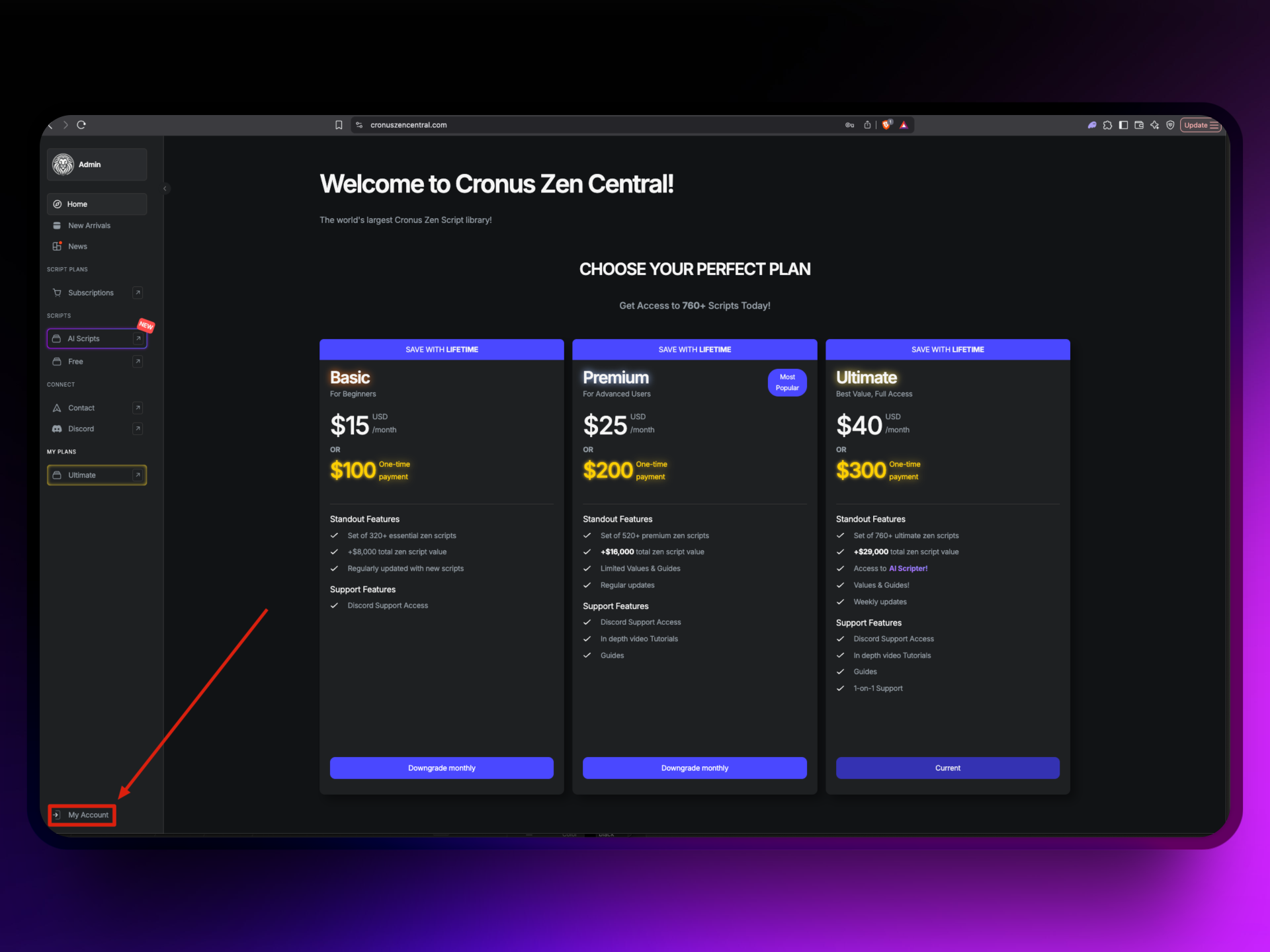
- Click 'My Account' in the lower-left corner.
- from here, you can edit your username and email directly in the input fields.
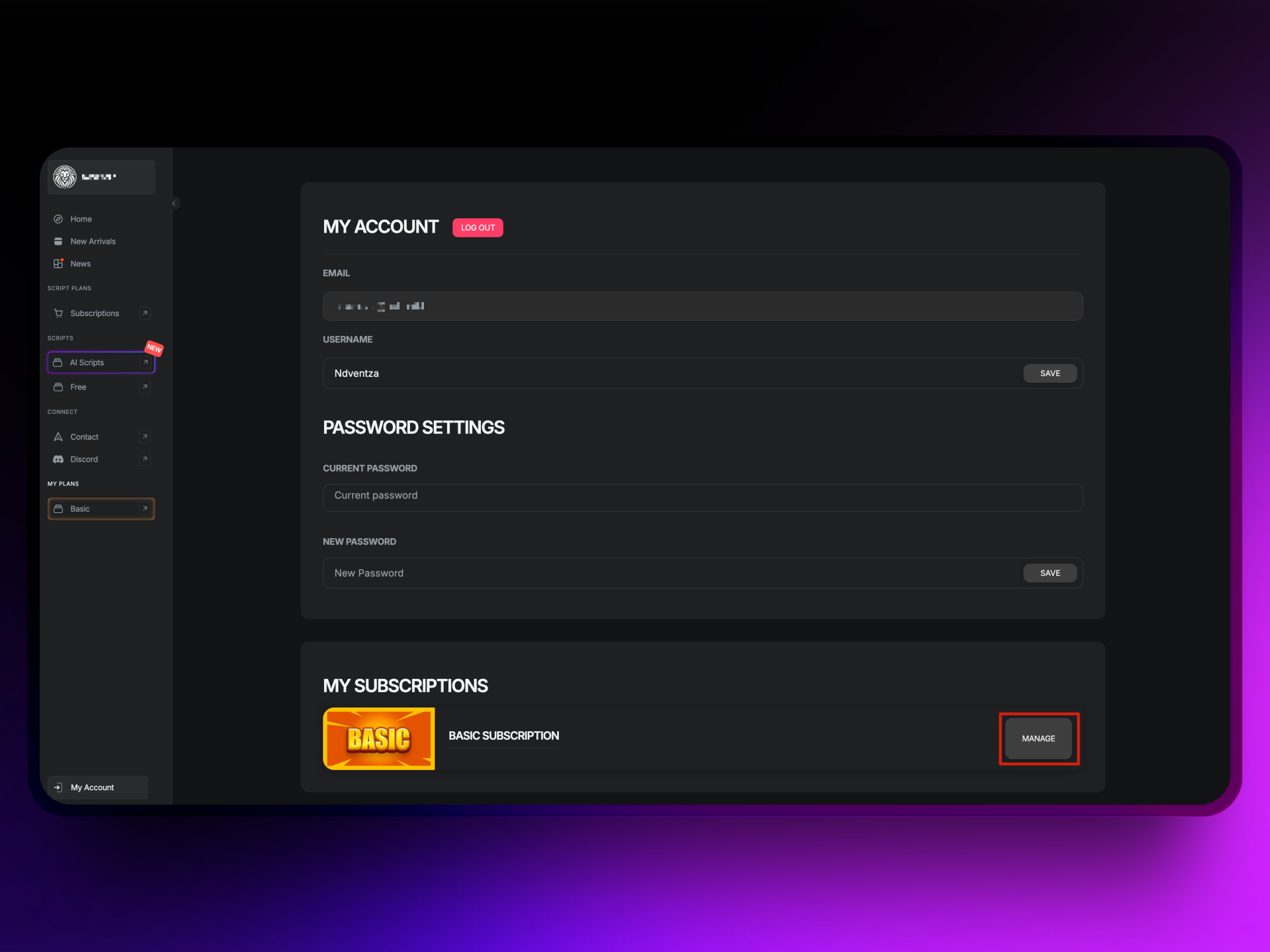
- Click 'Save' when done.