20TH MAY | new scripts available - 1700+ scripts now available!
UNLOCK THE FULL ZEN SCRIPT LIBRARY
Access 1,500+ Scripts Today!
NBA 2K24
2k24 Auto Green v1.4
ultimate


2k24 Auto Green v1.4
Script City
NBA 2k26
2k26 AI
ultimate


2k26 AI
Avenged
NBA 2k26
2k26 Auto Green V2
ultimate

2k26 Auto Green V2
BoostSquad
NBA 2k26
2k26 Lag Switch
ultimate
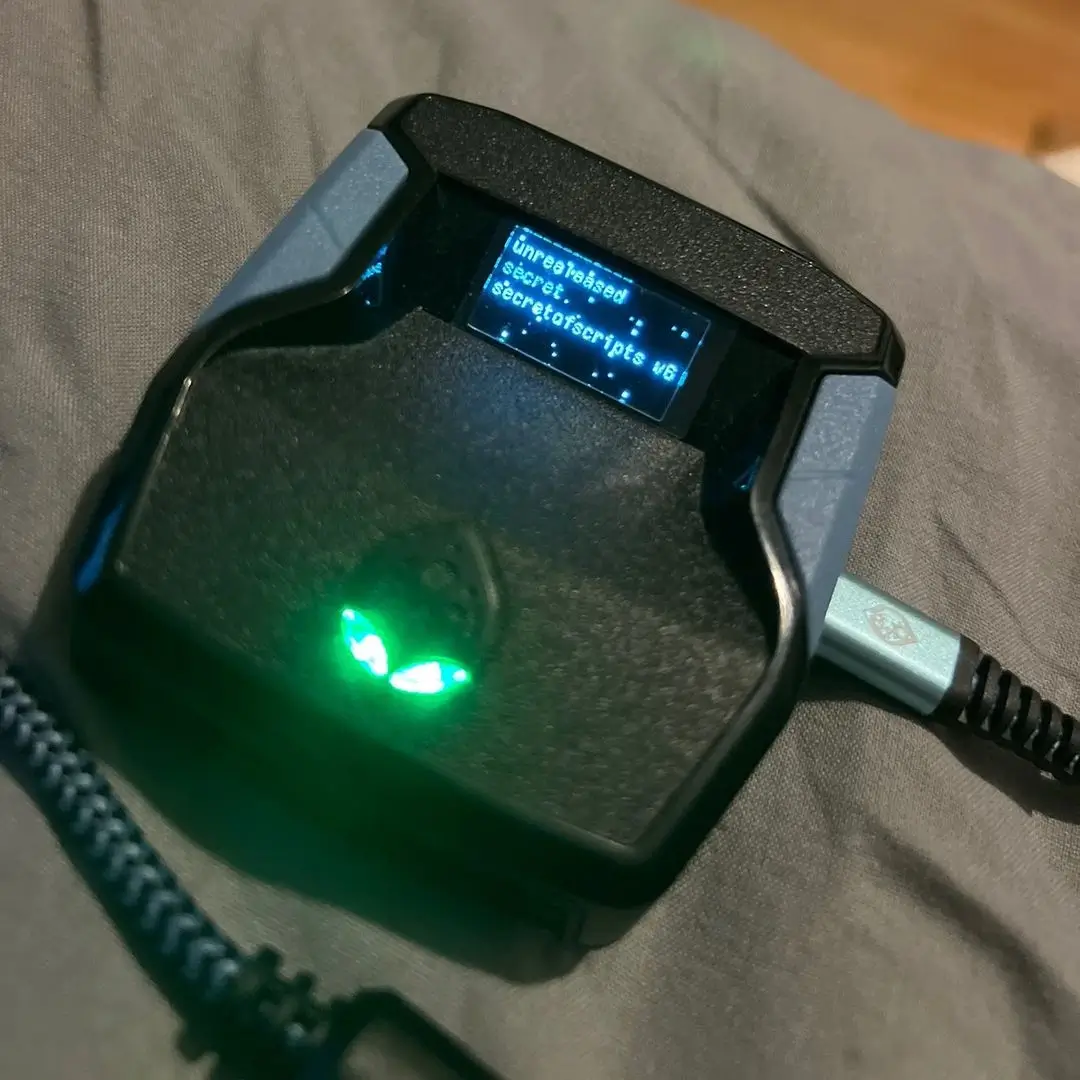
2k26 Lag Switch
Secret of Scripts
NBA 2k26
Saint V6 Remastered
ultimate

Saint V6 Remastered
Saint Scripts
Battlefield 6
Titan V3
ultimate


Titan V3
Cronus Zen Master
NBA 2K24
2k24 Auto Green v1.4
ultimate
2k24 Auto Green v1.4
Script City
NBA 2k26
2k26 AI
ultimate
2k26 AI
Avenged
NBA 2k26
2k26 Auto Green V2
ultimate
2k26 Auto Green V2
BoostSquad
NBA 2k26
2k26 Lag Switch
ultimate
2k26 Lag Switch
Secret of Scripts
NBA 2k26
2K Plus
ultimate

2K Plus
Yew
upgrade for full access
4.8/5 from 9,000+ Users
200+ Free Scripts • 4 Premium Scripts Weekly • No Credit Card required

Features

guides
This script includes an instruction guide
Mod Menu
This Script comes with a customizable Mod Menu
Multiple Versions
This Script comes with multiple versions
Guides
How to Use Script
- Menu Locked
- Script is still active, but gives you button freedom back.
- If you switch pages or options often, lock the menu with L2+Options on any screen.
- Page Switching
- L2+R1 → Next page
- L2+L1 → Previous page
- Rhythm Shooting with □/X (Page 1 & 2)
- Page 1: Toggle this feature on/off.
- Use □/X and release your jumpshot at the SET POINT.
- Script will automatically push your right stick.
- Still requires timing for accuracy.
- Rhythm shots take longer to activate vs regular shots. Use remapped button if shot window is tight.
- Page 2: Change your tempo timing.
- Each jumpshot has a unique tempo number.
- Practice shots required to find the correct number.
- Shoot at SET POINT cue for perfect timing — release cue doesn’t matter.
- Tempo timing window (GOOD shots) is ~120ms.
- Slightly Slow? Likely releasing too late. Decrease tempo timing if needed.
- Slightly Fast? Likely releasing too early. Increase tempo timing if needed.
- Page 1: Toggle this feature on/off.
- Catch and Shoot Auto Timing (Page 3)
- Set both tempo timing and catch-and-shoot values first.
- Go to MyCourt and join a friend’s server.
- Turn shot meter on.
- Hold UP DPAD + Hold □/X to activate.
- Adjust Page 3 timing:
- Decrease for Late.
- Increase for Early.
- Original Square Remapping (Page 4)
- Since □/X is remapped for Rhythm Shooting (if enabled), toggle normal functionality between L1 and R3.
- Keeps normal reach/layups/dunks available.
- Stealth Mode Jumpshot (Page 5)
- Varies tempo and catch-and-shoot timing by ±3 ms to reduce detection risk.
- This should not cause misses — missed shots are usually timing errors.
- Auto Quickstop (Page 6)
- While moving with LEFT STICK, hold □/X.
- Script will quickstop and begin shot.
- Remember to time your release.
- Defense Boost (Page 7)
- Boosts movement in direction of LEFT STICK while holding L2 and pressing/holding R1.
- If mismanaged, boost may go in the wrong direction — use carefully.
Adjusting Values
- Page 1: Tempo Timing
- L2+UP / LT+UP → Increase by 1
- L2+DOWN / LT+DOWN → Decrease by 1
- L2+RIGHT / LT+RIGHT → Increase by 5
- L2+LEFT / LT+LEFT → Decrease by 5
- Page 2: Catch and Shoot Timing
- L2+UP / LT+UP → Increase by 1
- L2+DOWN / LT+DOWN → Decrease by 1
- L2+RIGHT / LT+RIGHT → Increase by 10
- L2+LEFT / LT+LEFT → Decrease by 10