20TH MAY | new scripts available - 1700+ scripts now available!
UNLOCK THE FULL ZEN SCRIPT LIBRARY
Access 1,500+ Scripts Today!
NBA 2K24
2k24 Auto Green v1.4
ultimate


2k24 Auto Green v1.4
Script City
NBA 2k26
2k26 AI
ultimate


2k26 AI
Avenged
NBA 2k26
2k26 Auto Green V2
ultimate

2k26 Auto Green V2
BoostSquad
NBA 2k26
2k26 Lag Switch
ultimate
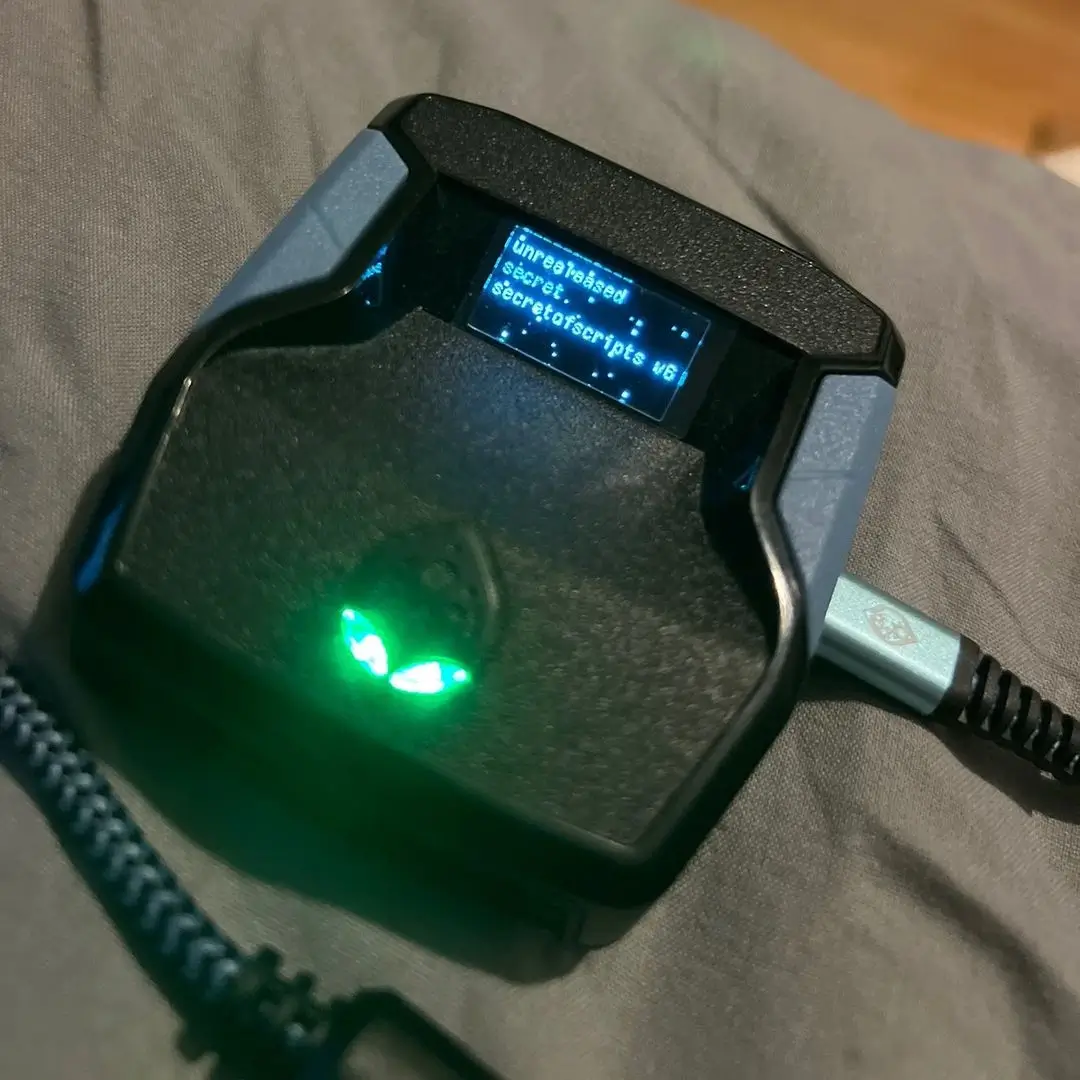
2k26 Lag Switch
Secret of Scripts
NBA 2k26
Saint V6 Remastered
ultimate

Saint V6 Remastered
Saint Scripts
Battlefield 6
Titan V3
ultimate


Titan V3
Cronus Zen Master
NBA 2K24
2k24 Auto Green v1.4
ultimate
2k24 Auto Green v1.4
Script City
NBA 2k26
2k26 AI
ultimate
2k26 AI
Avenged
NBA 2k26
2k26 Auto Green V2
ultimate
2k26 Auto Green V2
BoostSquad
NBA 2k26
2k26 Lag Switch
ultimate
2k26 Lag Switch
Secret of Scripts
NBA 2k26
2K Plus
ultimate

2K Plus
Yew
upgrade for full access
4.8/5 from 9,000+ Users
200+ Free Scripts • 4 Premium Scripts Weekly • No Credit Card required

Features

guides
This script includes an instruction guide
Mod Menu
This Script comes with a customizable Mod Menu
Multiple Versions
This Script comes with multiple versions
Guides
Star Optic 2K26 V1.2
How to Use R2 + Square vs Normal Square Tap
- Tap Square/X normally: Does a regular shot. The script will use the "Optic Auto" timing you set in the mod menu.
- Tap R2/RT + Square/X together: Does a fade shot. The script will use the "Optic Fade" timing you set in the mod menu.
Difference:
- Square/X alone = normal/standstill shot, uses Optic Auto timing (good for catch-and-shoot, spot-ups, off the dribbles, etc).
- R2/RT + Square/X = fade shot (for moving or stepback shots), uses Optic Fade timing (lets you green fades).
Why timing matters:
- The right timing window is critical for getting greens in 2K.
- The script does the hold for you, but your timing settings must match your jump shot's green window.
- Adjust the ms values in "Optic Auto" and "Optic Fade" in the mod menu for your jumper/base for best results.
Quick Actions:
- Tap Square/X for normal shots (Optic Auto)
- Tap R2/RT + Square/X for fades (Optic Fade)
- Set your hold times in the mod menu for perfect greens
Menu Navigation
- Hold L2 (or LT on Xbox), then press Options/Menu to open or close the mod menu.
- Use the D-Pad to navigate:
- UP/DOWN: Increase or decrease the value of the current setting.
- Tap UP/DOWN to change the value by 1.
- Hold L2/LT while pressing UP/DOWN to change the value faster (increments of 5 where supported, like for timing).
- LEFT/RIGHT: Move between different setting pages.
- When on a toggle (ON/OFF), UP or DOWN flips the toggle.
- When on a value slider (like milliseconds), UP/DOWN increases or decreases the value.
- Your changes are saved automatically.
Quick Reference:
- L2/LT + Options/Menu: Open/Close menu
- D-Pad LEFT/RIGHT: Change setting page
- D-Pad UP/DOWN: Change value (hold L2/LT for faster increments)
Pages
- Optic Auto – Sets how long (ms) the auto Square/X press holds for green window timing.
- Optic Auto On/Off – Enables or disables the Optic Auto green window feature.
- Optic Fade – Sets how long (ms) the auto Square/X press holds for fade shots (when R2/RT is held).
- Optic Fade On/Off – Enables or disables the Optic Fade green window for fade shots.
- SQ Rhythm – Toggles rhythm timing with right stick or classic timing.
- SQ is mapped to – Lets you pick which button shoots (R3, L1/LB, or Square/X).
- RS Auto Tempo – Toggles auto/manual timing for Right Stick flick shots.
- Tempo Wait Time – Adjusts wait before button press after stick flick.
- Auto Quickstop – Picks no quickstop, auto quickstop, or L2 quickstop for fast stops.