12th JUNE | script library update — 1800+ scripts available!
UNLOCK THE FULL ZEN SCRIPT LIBRARY
Access 1,500+ Scripts Today!
NBA 2K24
2k24 Auto Green v1.4
ultimate


2k24 Auto Green v1.4
Script City
NBA 2k26
2k26 AI
ultimate


2k26 AI
Avenged
NBA 2k26
2k26 Auto Green V2
ultimate

2k26 Auto Green V2
BoostSquad
NBA 2k26
2k26 Lag Switch
ultimate
2k26 Lag Switch
Secret of Scripts
Call of Duty: Black Ops 7
Exodus V3
ultimate
Exodus V3
Cronus Zen Master
Call of Duty: Black Ops 7
Evilbot V5
ultimate
Evilbot V5
Cronus Zen Master
NBA 2K24
2k24 Auto Green v1.4
ultimate
2k24 Auto Green v1.4
Script City
NBA 2k26
2k26 AI
ultimate
2k26 AI
Avenged
NBA 2k26
2k26 Auto Green V2
ultimate
2k26 Auto Green V2
BoostSquad
NBA 2k26
2k26 Lag Switch
ultimate
2k26 Lag Switch
Secret of Scripts
NBA 2k26
2K Plus
ultimate

2K Plus
Yew
upgrade for full access
4.8/5 from 9,000+ Users
200+ Free Scripts • 4 Premium Scripts Weekly • No Credit Card required
ultimate
NBA 2k26
God of Scripts V3

Script details
NBA 2K26 — TGOS Auto Green & Tap Shot Script
Take control of your shot timing like never before with the TGOS Auto Green & Tap Shot Script — a next-gen tool built for players who want maximum shooting consistency and precision.
This script is designed to perfect flick-up shot tempo, giving you smoother, more reliable greens by automating the right-stick flick at the exact moment you shoot. It also includes a Tap Shot feature that lets you simply tap a button to have the script handle timing and release automatically with preset tempo values.
Features
- Auto Green (Flick-Up Shooting): Automates perfect right-stick flicks when pressing Square / X
- Tempo Speed Control: Adjust timing window (0–300ms) to match your personal shot rhythm
- Turbo Shots: Instantly switch between Hop Jumper or Turbo Fade modes
- RS Shooting: Use the right stick to trigger flick-up greens after a set hold duration
- Tap Shot Mode: Tap R3 or L3 (user choice) to trigger a full automatic green sequence
- Tap Speed & Tap Tempo: Fine-tune shot hold and rhythm timing with millisecond precision
- Remap Square: Assign L3 or R3 to act as your Square button
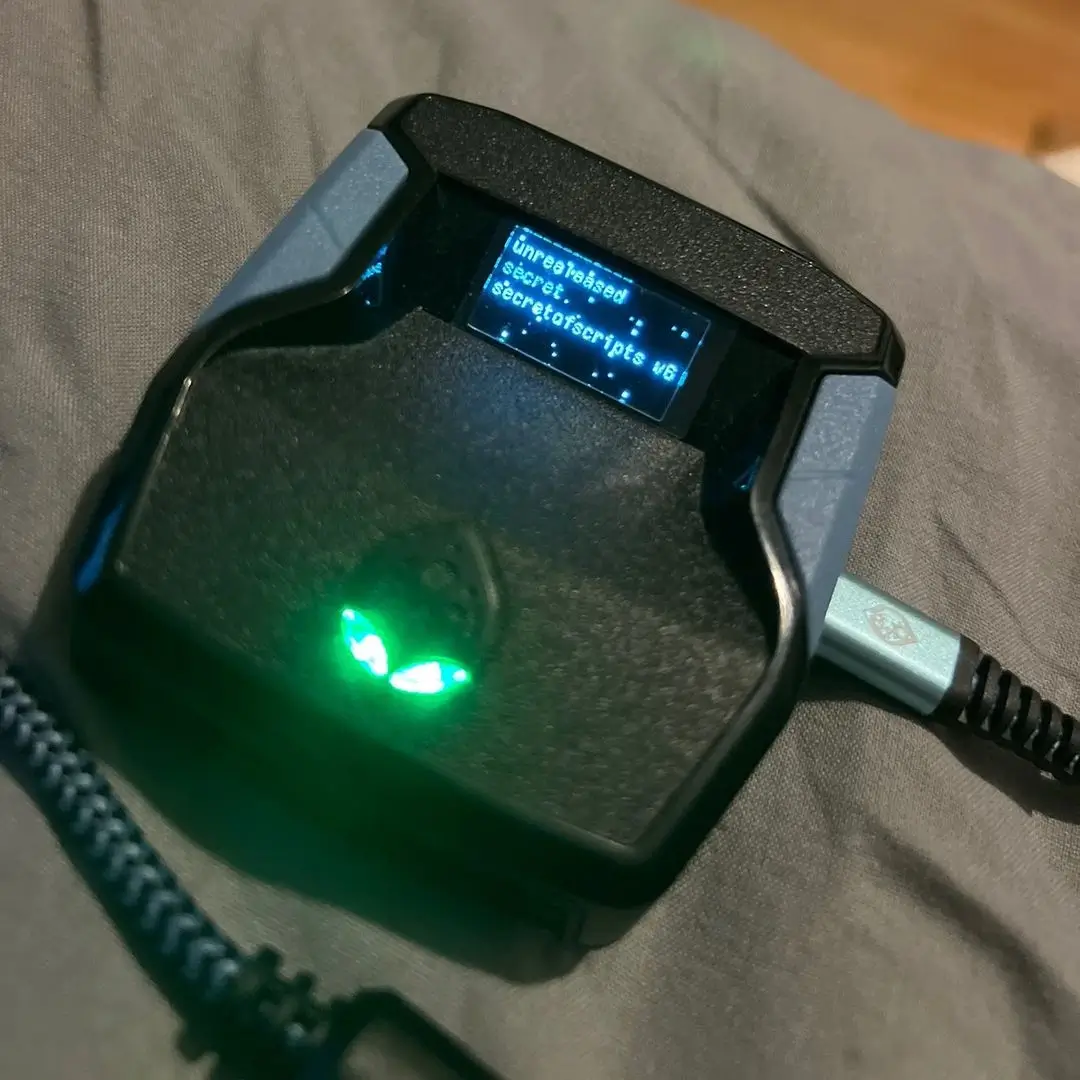
- Interactive OLED Menu: Navigate 8 feature pages, toggle options, and adjust values directly from your Zen OLED display
Easy Setup
- Load the script into Zen Studio
- Apply controller bypass
- Use L2 + Options in-game to navigate and configure settings — no coding required, no setup hassle
Features

guides
This script includes an instruction guide
Values
This script comes with recommended Zen/In game settings to optimize performance
Mod Menu
This Script comes with a customizable Mod Menu
Guides
HOW TO FIND YOUR TIMING FOR 2K26
🌐 Simulate Online Latency (MyCourt Server Trick)
- Go into your MyCourt
- Open your Friends List by holding L1 + R1 (PS) or LB + RB (Xbox)
- Click any friend and hit Connect to Server
- Once the option disappears, close the menu — you’re now simulating online latency in MyCourt
🎮 Set Difficulty to Match Online Games
- After entering the court, press OPTIONS (PS) or MENU (XB)
- Look at the top of the screen above Continue
- Press R3 (PS) or RS IN (XB) to toggle slider presets
- ⚠️ If you’re using X/Square to shoot, you can’t press R3 — turn the mod OFF temporarily to change difficulty
🎯 How to Find Your Release Cue
- Make sure Shot Feedback is turned ON
- Take a few rhythm shots using the script
- Pay attention to your results:
- Slightly Early / Slightly Fast → releasing too soon
- Slightly Late / Slightly Slow → releasing too late
🔧 How to Tune Your Tempo Wait Time
- If your feedback is consistently slightly off, adjust your Tempo Wait Time
- Slightly Fast? ➝ Increase your wait time
- Slightly Slow? ➝ Decrease your wait time
- Goal: hit the center of the green window (avoid edges where make rate drops to ~40%)
🏀 Build Info
- Position: 6’8 SG
- Attributes: 96 Mid-range, 90 3PT
- Badges: Legend Set Shot, Legend Deadeye
🎯 Jumpshot
- Base: Carmelo Anthony
- Release 1: Beluba
- Release 2: Matt Ryan
- Blend/Speed: Very Quick, 70% Beluba / 30% Matt Ryan
- Visual Cue: Release
Recommended Values
🎮 Script Mods
- Auto Green: ON
- Tempo Speed: 38 ms
- Stability Speed: 42 ms
- Dribble Spams: Optional
- Turbo Shots: Turbo Fade
- RS Shooting: OFF
- Insta Shot: OFF
- Insta Speed: 640 ms (not configured)
- Insta Tempo: 50 ms (not configured)
- Remap Square/X: R3/RS