UNLOCK THE FULL ZEN SCRIPT LIBRARY
Access 1,500+ Scripts Today!


2k24 Auto Green v1.4
Script City


2k26 AI
Avenged

2k26 Auto Green V2
BoostSquad
2k26 Lag Switch
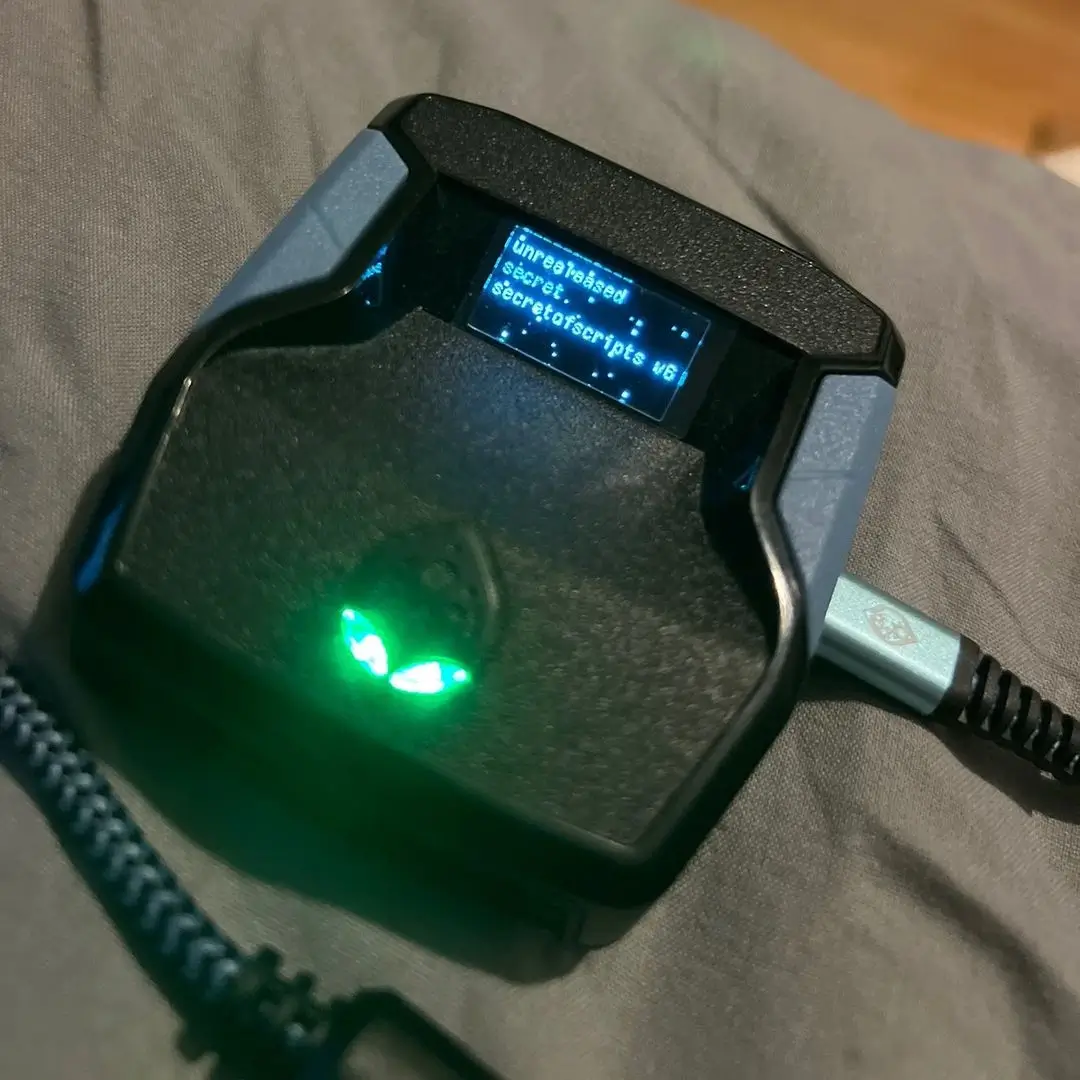
Secret of Scripts

Exodus V3
Cronus Zen Master
Evilbot V5
Cronus Zen Master
2k24 Auto Green v1.4
Script City
2k26 AI
Avenged
2k26 Auto Green V2
BoostSquad
2k26 Lag Switch
Secret of Scripts

2K Plus
Yew

Script details
Welcome to TheGodOfScripts NBA2K26 LEGEND Script!!!
NBA 2K26 – TGOS Auto Green & Tap Shot Script + Auto Dribble
Take control of your shot timing like never before with the TGOS Auto Green & Tap Shot Script—a streamlined, next-gen tool designed for players who want maximum shooting consistency.
This script is built to master the flick-up shot tempo, giving you smoother, more reliable greens by automating the stick flick perfectly when you shoot. It also has a tap shot feature, allowing you to simply tap a button and have the script time the shot and release the tempo at a preset timing to take care of shooting for you! Plus, enhance your game with automated dribble spams for fluid animations!
Features:
- Auto Green (Flick-Up Shooting): Automates perfect right-stick flicks when pressing Square/X.
- Tempo Speed Control: Customize the timing window (0–300ms) to fit your shot style.
- Auto Dribble Spams: Automate dribble sequences for enhanced ball handling.
- Turbo Shots: Switch between Hop Jumper or Turbo Fade modes on the fly.
- RS Shooting: Use the right stick to trigger flick-up greens after a set hold duration.
- Tap Shot Mode: Tap R3 or L3 (your choice) to trigger an automatic green sequence.
- Tap Speed & Tap Tempo: Fine-tune shot hold time and rhythm with millisecond accuracy.
- Remap Square: Choose whether L3 or R3 acts as your Square button.
- Auto QuickStop (NEW): Automatically stops your momentum and flicks up for a clean shot out of speed bursts.
- Meter Dunk (NEW): One-button activation for consistent dunk meter triggers.
- Defense Boost (NEW): Enhances defensive slides by syncing right stick movement with your left stick.
- Interactive OLED Menu: Navigate through 8 feature pages, toggle ON/OFF, and edit values directly on your Zen OLED screen.
Easy Setup:
Load the script into Zen Studio, apply controller bypass, and you’re ready. Adjust everything in-game with L2+Options Menu Navigation—no coding, no headaches.