
UNLOCK THE FULL ZEN SCRIPT LIBRARY
Access 2,200+ Scripts Today!

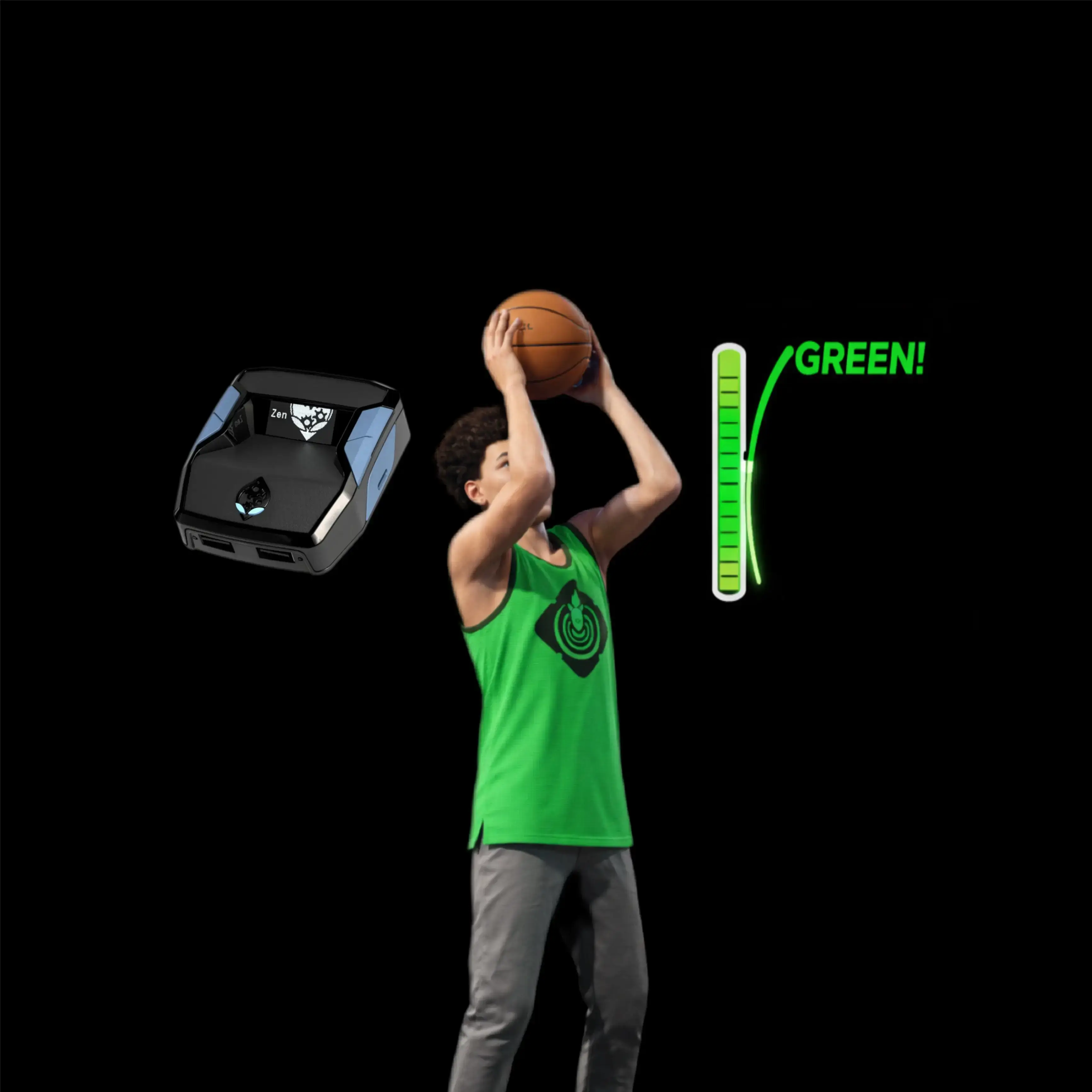








Avenger – NBA 2k26 Cronus Zen Script

Script details
- Game
- NBA 2k26
- Creator
 Avenged
- Access
- ultimate
- Download format
- .GPC
- Supported platforms
- cross-platform
- Listing updated
Avenger is a NBA 2k26 Zen script by Avenged. Explore its download and setup information below.
Introducing: AVENGER V1 - The ULTIMATE Cronus Zen script for 2K26.
With the update from DGOS V4 being a bit unstable, our team decided to share this. This was initially a private project for a member on our staff team. They took DGOS V3, and rebuilt parts of it to work smoother, more consistent, and the mods on the script actually work and enable when you toggle them on the OLED screen. This is the update that DGOS V4 should’ve been!
Take a look at the main features in the guide below! This guide explains what every feature in your Avenger script does, how to use it in-game, and how to tune it so it feels natural. Read through all the pages before asking questions. You will find the answer to every question here! Guide PDF is included with script download.
Features

Mod Menu
Installation & setup
Follow these steps to install the GPC download on your Cronus Zen.
-
Download the script
Use the download button on this page and save the .gpc file to your computer.
-
Connect your Cronus Zen
Open Zen Studio Live in Chrome or Edge.
- Connect your Cronus Zen through the PROG port and select 'Connect Device'.
-
Open the script in the Editor tab
Drag the downloaded .gpc file into the 'Editor' tab.
-
Add the script to a device slot
Go to the Device tab, select MY SCRIPTS at the top right, then drag the chosen .gpc file into an empty slot.
-
Program the Cronus Zen
Click the flashing orange Program button at the top to save the script to your Zen.
-
Connect, select your slot and test
After programming finishes, connect the Zen to your console or PC using your platform’s connection setup. Select the installed script’s slot, then follow the creator’s button layout and starting values. Test before changing settings, and adjust one value at a time.
Need help with setup?
If the Zen is not detected, check the PROG connection and use a USB cable that supports data. If a GPC file fails to compile, check that the download is complete and that it supports your version of Zen Studio.
Avenger: common questions
How do I install Avenger?
This download is a GPC script. Follow the numbered instructions above to open it in Zen Studio, assign a device slot and program your Zen.
What access do I need for Avenger?
This script is listed in the ultimate library. Sign in with a plan that includes this tier; your download button shows the access available to your account.