UNLOCK THE FULL ZEN SCRIPT LIBRARY
Access 1,500+ Scripts Today!


2k24 Auto Green v1.4
Script City


2k26 AI
Avenged

2k26 Auto Green V2
BoostSquad
2k26 Lag Switch
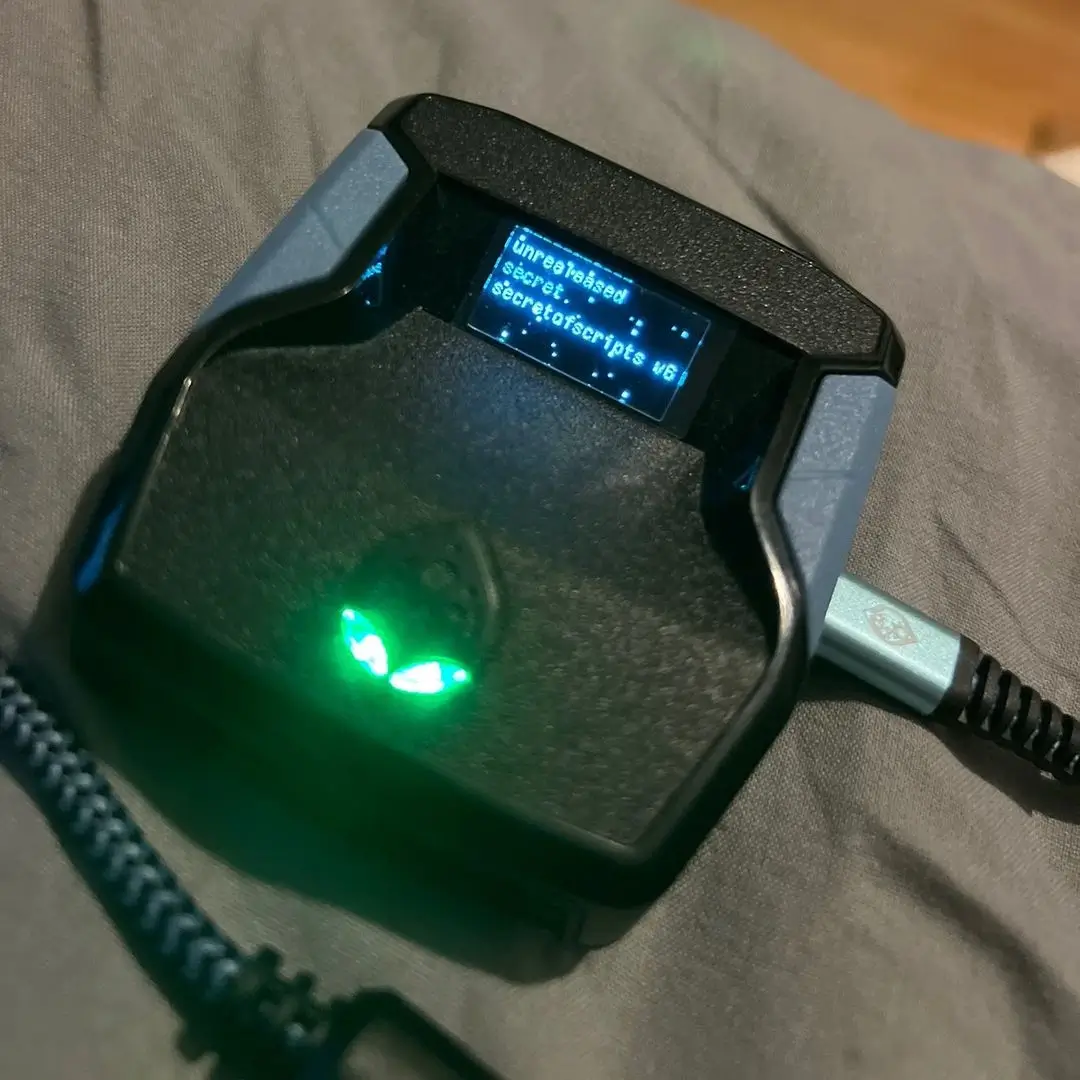
Secret of Scripts


Exodus V3
Cronus Zen Master
Evilbot V5
Cronus Zen Master
2k24 Auto Green v1.4
Script City
2k26 AI
Avenged
2k26 Auto Green V2
BoostSquad
2k26 Lag Switch
Secret of Scripts

2K Plus
Yew
Script details
The latest installment & largest update/improvement to the NBA 2K26 MVP Series
This is our most sought after script saga, receiving extremely good reviews and reaching the #1 TOP RATED zen script for 2K26, in the world. We have completely redesigned the shooting system to be more similar of that which is present in scripts like “JUMP AT IT”, all while keeping the scripts features performing absolutely flawlessly. This is the MOST ADVANCED shooting system we have ever designed and implemented into any Cronus zen scripts thus far.
WHATS NEW IN MVP 6.0?
- Completely revamped / upgraded shooting system
- Smoother, more natural shot timing
- SIGNIFICANTLY improved consistency/accuracy
- Optimized logic for “professional-level” performance, making you play like an elite gamer
- Designed to feel like “perfect timing” closer than EVER before
Features

guides
Values
Mod Menu
Multiple Versions
Guides
Menu navigation
- Open/close the menu using the configured menu combo
- Navigate pages with L2/LT + D-Pad Left/Right
- Change values or toggle settings with L2/LT + D-Pad Up/Down
- Hold R1/RB while adjusting certain values to change them faster
- Light vibration confirms menu actions and value changes
Shooting system overview
- Button Rhythm converts Square/X shots into controlled right-stick movements
- Tempo controls the delay before the flick-up release
- Turbo Shots modifies shooting behavior when holding R2/RT
- RS Shooting allows shooting directly with the right stick instead of Square/X
- Automated Shot performs a full hold-and-release shot with one button, ideal for catch-and-shoot situations
- Automated Speed controls how long the automated shot is held
- Automated Tempo controls flick timing specifically for automated shots
Remap logic
- You can remap Square/X behavior to L3 or R3
- The opposite stick click then becomes the Automated Shot button
- This prevents conflicts and lets you choose what feels more natural
Dribbling and movement
- D-Pad directions can be mapped to specific dribble moves
- QuickStop can be set to automatic or manual to help with pull-ups
- Unlimited stamina and movement assists are included as quality-of-life features
Defense and utility
- Optional defensive assist helps with on-ball positioning
- Dunk meter support improves finishing consistency
- Multiple profiles allow you to save different setups for different builds
General advice
- Do not change multiple timing values at once
- Tune tempo values in small steps and test in real games
- Faster guards and shooters benefit from lower tempos
- Bigs and slower jump shots require higher tempos and longer holds
Recommended Values
Global shooting settings (most players)
- Button Rhythm: ON
- RS Shooting: OFF
- Turbo Shots: Turbo Fade
- Automated Shot: ON
- Remap Button: L3
Tempo (Button Rhythm)
- 0–30 ms: Very fast jump shots, quick guards
- 30–60 ms: Balanced, works for most builds
- 60–100 ms: Slower releases and big-man animations
- Default reference point: ~42 ms
Automated Shot values
- Automated Speed:
- 500–600 ms: Guards and wings
- 650–750 ms: Bigs and slower jump shots
- Automated Tempo:
- 40–50 ms: Faster shooters
- 55–65 ms: Bigs and post builds
Guard / ball-handler builds
- Tempo: 35–50 ms
- Automated Speed: ~550 ms
- Automated Tempo: ~45 ms
- QuickStop: AUTO
- Dribble D-Pad moves: Enabled as needed
Wing / scorer builds
- Tempo: 45–60 ms
- Automated Speed: 550–600 ms
- Automated Tempo: 44–50 ms
- Turbo Shots: Turbo Fade
- QuickStop: AUTO
Bigs / stretch bigs
- Tempo: 55–75 ms
- Automated Speed: 650–750 ms
- Automated Tempo: 55–65 ms
- RS Shooting: OFF
- Dribble D-Pad moves: OFF
- Dunk Meter: ON
Turbo Shots
- Turbo Fade: Recommended default for most players
- Hop Jumper: Situational, mainly for quick hop shots and spot-ups
Stability guidance
- If shots feel early: increase tempo slightly
- If shots feel late: decrease tempo slightly
- Always match Automated Tempo closely to your main Tempo
- Keep random variation enabled for consistency and safety