
ACCÉDEZ À TOUTE LA BIBLIOTHÈQUE DE SCRIPTS ZEN
Accès 2 200+ scripts dès aujourd’hui !

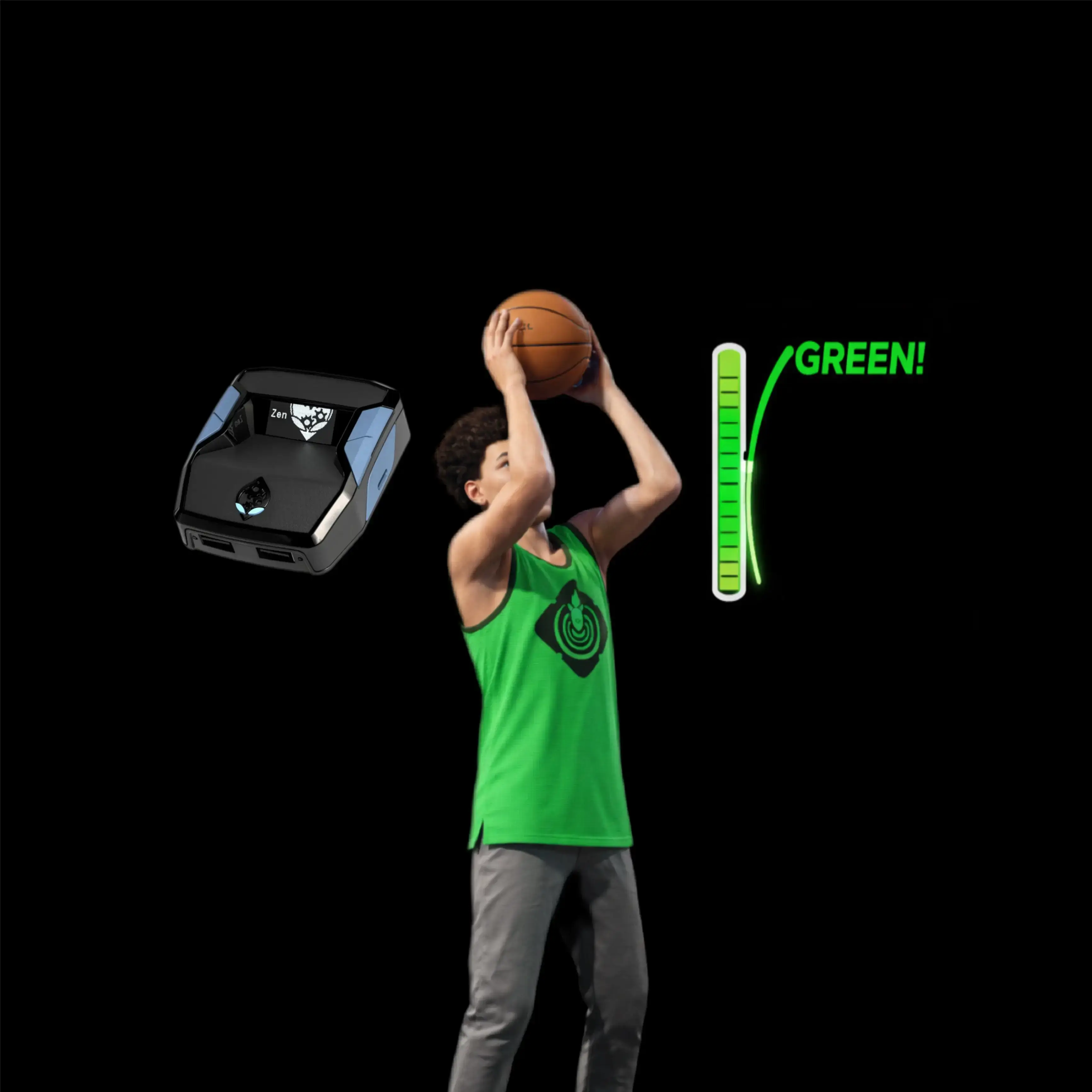










XP Generator : script Cronus Zen pour NBA 2k26

Détails du script
- Jeu
- NBA 2k26
- Créateur
 Tetris
- Accès
- Premium
- Format du téléchargement
- .GPC
- Plateformes compatibles
- Multiplateforme
- Fiche mise à jour
XP Generator est un script Zen pour NBA 2k26 créé par Tetris. Consultez les informations de téléchargement et de configuration ci-dessous.
Ce script Cronus Zen pour NBA 2k26 est développé par Tetris.
Fonctionnalités

Guides

Menu des mods

Réglages
Guides
SEASON XP GEN - TETRIS 2K v1.0 Script Usage Guide
- Setup Your MyTeam Settings
- Launch NBA 2K and enter the MyTeam mode.
- Go to Settings in MyTeam.
- Set Shot Timing to Real Player %.
- Set Layup Timing to Real Player %.
- Save your settings.
- Make sure "Short Press-and-Hold" is OFF to avoid accidentally deleting your character if kicked to the menu.
- Prepare for Domination Mode
- From the MyTeam main menu, select the Play Tab.
- Choose Domination in More Modes.
- Select the first team available and set the difficulty to Rookie for the easiest matches.
- Build your lineup with the best available players (higher overall players perform better and will help you earn XP faster).
- Start a Domination game.
- Important Notes
- Injured players, expired contracts, or a disconnected internet connection may interrupt the script's progress.
- Monitor your lineup regularly to ensure no interruptions occur during AFK sessions.
- Start the Script In-Game
- Once you are in the Domination match and gameplay has started:
- Look at your Cronus Zen OLED screen.
- The display will show SEASON XP GEN / TETRIS 2K / L3+R3 TO START (or LS+RS TO START on Xbox).
- To activate the script:
- On PlayStation: Press L3 + R3 together (left stick + right stick click).
- On Xbox: Press LS + RS together (left stick + right stick click).
- The Zen will vibrate for feedback and the OLED will update to RUNNING... to confirm activation.
- Once you are in the Domination match and gameplay has started:
- Let the Script Run
- After activation, the script will automatically simulate shooting, passing, and play actions for your team.
- You can leave your controller and go AFK; the script will farm XP for you by completing Domination games automatically.
- For best results, use the highest-rated players you own in your lineup for more points and faster XP gain.
- Progress and Leveling
- Repeat this process nightly or as often as you wish.
- Estimated time to reach Level 40 (starting from scratch): 5-7 nights of AFK running.
- Your progress may vary depending on your available players and console performance.
- Support and Community
- For questions, updates, or to connect with other users, join the Discord server.
- Happy Level 40
- Let the script do the grind while you rest.
- Enjoy your rewards.
Réglages recommandés
SEASON XP GEN - TETRIS 2K v1.0 Script Usage Guide
- Setup Your MyTeam Settings
- Launch NBA 2K and enter the MyTeam mode.
- Go to Settings in MyTeam.
- Set Shot Timing to Real Player %.
- Set Layup Timing to Real Player %.
- Save your settings.
- Make sure "Short Press-and-Hold" is OFF to avoid accidentally deleting your character if kicked to the menu.
- Prepare for Domination Mode
- From the MyTeam main menu, select the Play Tab.
- Choose Domination in More Modes.
- Select the first team available and set the difficulty to Rookie for the easiest matches.
- Build your lineup with the best available players (higher overall players perform better and will help you earn XP faster).
- Start a Domination game.
- Important Notes
- Injured players, expired contracts, or a disconnected internet connection may interrupt the script's progress.
- Monitor your lineup regularly to ensure no interruptions occur during AFK sessions.
- Start the Script In-Game
- Once you are in the Domination match and gameplay has started:
- Look at your Cronus Zen OLED screen.
- The display will show SEASON XP GEN / TETRIS 2K / L3+R3 TO START (or LS+RS TO START on Xbox).
- To activate the script:
- On PlayStation: Press L3 + R3 together (left stick + right stick click).
- On Xbox: Press LS + RS together (left stick + right stick click).
- The Zen will vibrate for feedback and the OLED will update to RUNNING... to confirm activation.
- Once you are in the Domination match and gameplay has started:
- Let the Script Run
- After activation, the script will automatically simulate shooting, passing, and play actions for your team.
- You can leave your controller and go AFK; the script will farm XP for you by completing Domination games automatically.
- For best results, use the highest-rated players you own in your lineup for more points and faster XP gain.
- Progress and Leveling
- Repeat this process nightly or as often as you wish.
- Estimated time to reach Level 40 (starting from scratch): 5-7 nights of AFK running.
- Your progress may vary depending on your available players and console performance.
- Support and Community
- For questions, updates, or to connect with other users, join the Discord server.
- Happy Level 40
- Let the script do the grind while you rest.
- Enjoy your rewards.
Installation et configuration
Suivez ces étapes pour installer le fichier GPC téléchargé sur votre Cronus Zen.
-
Téléchargez le script
Utilisez le bouton de téléchargement de cette page et enregistrez le fichier .gpc sur votre ordinateur.
-
Connectez votre Cronus Zen
Ouvrez Zen Studio Live dans Chrome ou Edge.
- Connectez votre Cronus Zen par le port PROG et sélectionnez « Connect Device ».
-
Ouvrez le script dans l'onglet Éditeur
Faites glisser le fichier .gpc téléchargé dans l'onglet « Éditeur ».
-
Ajouter le script à un emplacement de périphérique
Allez dans l'onglet Appareil, sélectionnez MES SCRIPTS en haut à droite, puis faites glisser le fichier .gpc choisi dans un emplacement vide.
-
Programmer le Cronus Zen
Cliquez sur le bouton Programme orange clignotant en haut pour enregistrer le script sur votre Zen.
-
Connectez, sélectionnez votre emplacement et testez
Une fois la programmation terminée, connectez le Zen à votre console ou PC en suivant la procédure adaptée à votre plateforme. Sélectionnez l’emplacement du script installé, puis suivez la configuration des touches et les valeurs de départ du créateur. Testez avant de modifier les réglages et ajustez une seule valeur à la fois.
Besoin d’aide pour la configuration ?
Si le Zen n’est pas détecté, vérifiez la connexion PROG et utilisez un câble USB permettant le transfert de données. Si un fichier GPC ne se compile pas, vérifiez que le téléchargement est complet et que le fichier est compatible avec votre version de Zen Studio.
XP Generator : questions fréquentes
Comment installer XP Generator ?
Ce téléchargement est un script GPC. Suivez les étapes numérotées ci-dessus pour l’ouvrir dans Zen Studio, l’affecter à un emplacement et programmer votre Zen.
Quel accès faut-il pour XP Generator ?
Ce script figure dans la bibliothèque premium. Connectez-vous avec une offre qui inclut ce niveau ; le bouton de téléchargement indique l’accès disponible pour votre compte.
Où trouver les réglages de XP Generator ?
Le guide du créateur figure sur cette page. La section Valeurs recommandées contient ses valeurs de départ. Connectez-vous avec l’accès requis pour les consulter et adaptez le script à vos réglages en jeu avant toute modification.