
UNLOCK THE FULL ZEN SCRIPT LIBRARY
Access 2,200+ Scripts Today!

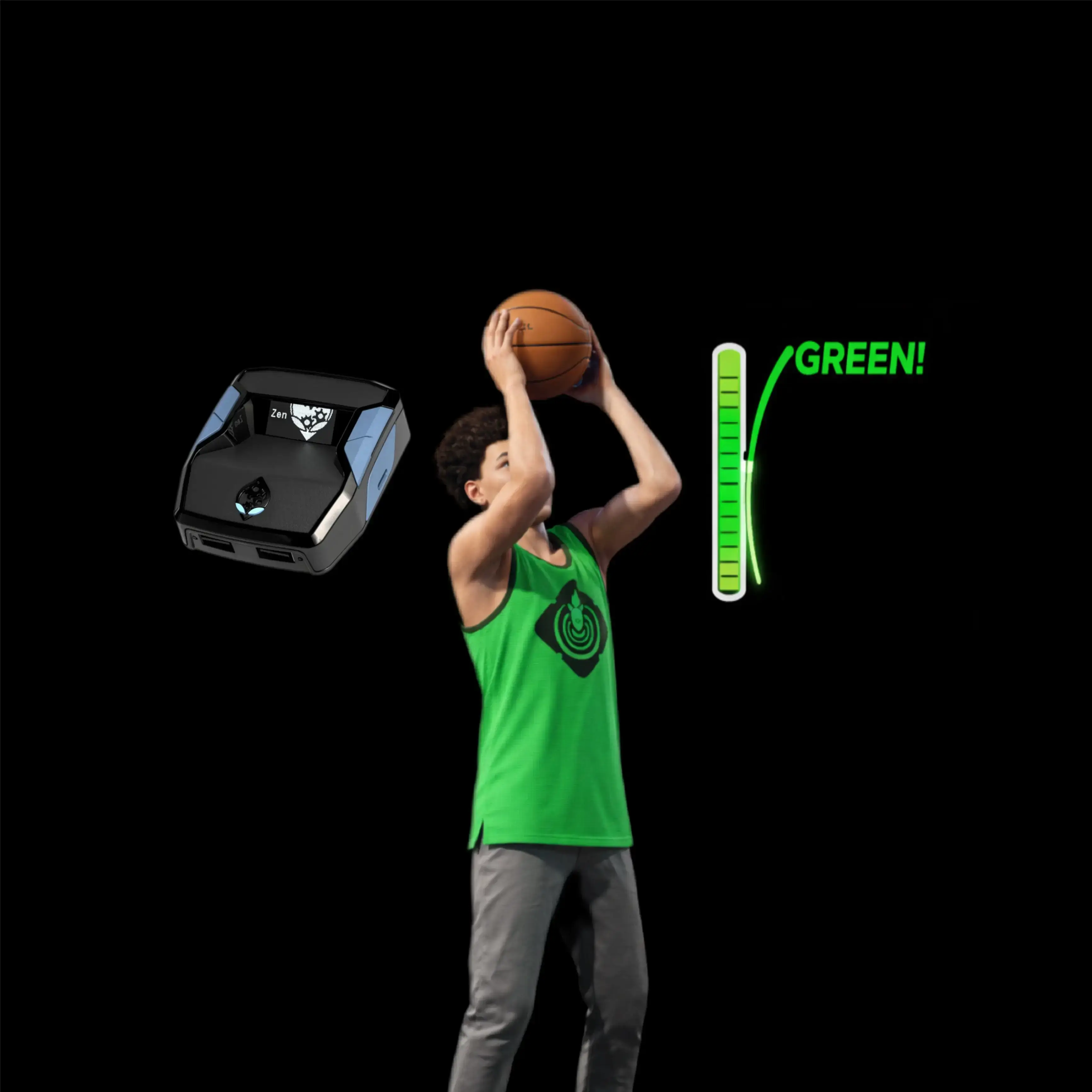











XP Generator – NBA 2k26 Cronus Zen Script

Features

Guides

Mod Menu

Values
Guides
SEASON XP GEN - TETRIS 2K v1.0 Script Usage Guide
- Setup Your MyTeam Settings
- Launch NBA 2K and enter the MyTeam mode.
- Go to Settings in MyTeam.
- Set Shot Timing to Real Player %.
- Set Layup Timing to Real Player %.
- Save your settings.
- Make sure "Short Press-and-Hold" is OFF to avoid accidentally deleting your character if kicked to the menu.
- Prepare for Domination Mode
- From the MyTeam main menu, select the Play Tab.
- Choose Domination in More Modes.
- Select the first team available and set the difficulty to Rookie for the easiest matches.
- Build your lineup with the best available players (higher overall players perform better and will help you earn XP faster).
- Start a Domination game.
- Important Notes
- Injured players, expired contracts, or a disconnected internet connection may interrupt the script's progress.
- Monitor your lineup regularly to ensure no interruptions occur during AFK sessions.
- Start the Script In-Game
- Once you are in the Domination match and gameplay has started:
- Look at your Cronus Zen OLED screen.
- The display will show SEASON XP GEN / TETRIS 2K / L3+R3 TO START (or LS+RS TO START on Xbox).
- To activate the script:
- On PlayStation: Press L3 + R3 together (left stick + right stick click).
- On Xbox: Press LS + RS together (left stick + right stick click).
- The Zen will vibrate for feedback and the OLED will update to RUNNING... to confirm activation.
- Once you are in the Domination match and gameplay has started:
- Let the Script Run
- After activation, the script will automatically simulate shooting, passing, and play actions for your team.
- You can leave your controller and go AFK; the script will farm XP for you by completing Domination games automatically.
- For best results, use the highest-rated players you own in your lineup for more points and faster XP gain.
- Progress and Leveling
- Repeat this process nightly or as often as you wish.
- Estimated time to reach Level 40 (starting from scratch): 5-7 nights of AFK running.
- Your progress may vary depending on your available players and console performance.
- Support and Community
- For questions, updates, or to connect with other users, join the Discord server.
- Happy Level 40
- Let the script do the grind while you rest.
- Enjoy your rewards.
Recommended Values
SEASON XP GEN - TETRIS 2K v1.0 Script Usage Guide
- Setup Your MyTeam Settings
- Launch NBA 2K and enter the MyTeam mode.
- Go to Settings in MyTeam.
- Set Shot Timing to Real Player %.
- Set Layup Timing to Real Player %.
- Save your settings.
- Make sure "Short Press-and-Hold" is OFF to avoid accidentally deleting your character if kicked to the menu.
- Prepare for Domination Mode
- From the MyTeam main menu, select the Play Tab.
- Choose Domination in More Modes.
- Select the first team available and set the difficulty to Rookie for the easiest matches.
- Build your lineup with the best available players (higher overall players perform better and will help you earn XP faster).
- Start a Domination game.
- Important Notes
- Injured players, expired contracts, or a disconnected internet connection may interrupt the script's progress.
- Monitor your lineup regularly to ensure no interruptions occur during AFK sessions.
- Start the Script In-Game
- Once you are in the Domination match and gameplay has started:
- Look at your Cronus Zen OLED screen.
- The display will show SEASON XP GEN / TETRIS 2K / L3+R3 TO START (or LS+RS TO START on Xbox).
- To activate the script:
- On PlayStation: Press L3 + R3 together (left stick + right stick click).
- On Xbox: Press LS + RS together (left stick + right stick click).
- The Zen will vibrate for feedback and the OLED will update to RUNNING... to confirm activation.
- Once you are in the Domination match and gameplay has started:
- Let the Script Run
- After activation, the script will automatically simulate shooting, passing, and play actions for your team.
- You can leave your controller and go AFK; the script will farm XP for you by completing Domination games automatically.
- For best results, use the highest-rated players you own in your lineup for more points and faster XP gain.
- Progress and Leveling
- Repeat this process nightly or as often as you wish.
- Estimated time to reach Level 40 (starting from scratch): 5-7 nights of AFK running.
- Your progress may vary depending on your available players and console performance.
- Support and Community
- For questions, updates, or to connect with other users, join the Discord server.
- Happy Level 40
- Let the script do the grind while you rest.
- Enjoy your rewards.
Installation & setup
Follow these steps to install the GPC download on your Cronus Zen.
-
Download the script
Use the download button on this page and save the .gpc file to your computer.
-
Connect your Cronus Zen
Open Zen Studio Live in Chrome or Edge.
- Connect your Cronus Zen through the PROG port and select 'Connect Device'.
-
Open the script in the Editor tab
Drag the downloaded .gpc file into the 'Editor' tab.
-
Add the script to a device slot
Go to the Device tab, select MY SCRIPTS at the top right, then drag the chosen .gpc file into an empty slot.
-
Program the Cronus Zen
Click the flashing orange Program button at the top to save the script to your Zen.
-
Connect, select your slot and test
After programming finishes, connect the Zen to your console or PC using your platform’s connection setup. Select the installed script’s slot, then follow the creator’s button layout and starting values. Test before changing settings, and adjust one value at a time.
Need help with setup?
If the Zen is not detected, check the PROG connection and use a USB cable that supports data. If a GPC file fails to compile, check that the download is complete and that it supports your version of Zen Studio.
XP Generator: common questions
How do I install XP Generator?
This download is a GPC script. Follow the numbered instructions above to open it in Zen Studio, assign a device slot and program your Zen.
What access do I need for XP Generator?
This script is listed in the premium library. Sign in with a plan that includes this tier; your download button shows the access available to your account.
Where can I find settings for XP Generator?
The creator’s guide is included on this page. The Recommended Values section contains the creator’s starting values. Sign in with the required access to view them, and match the script to your in-game settings before making adjustments.