20TH MAY | new scripts available - 1700+ scripts now available!
UNLOCK THE FULL ZEN SCRIPT LIBRARY
Access 1,500+ Scripts Today!
NBA 2K24
2k24 Auto Green v1.4
ultimate


2k24 Auto Green v1.4
Script City
NBA 2k26
2k26 AI
ultimate


2k26 AI
Avenged
NBA 2k26
2k26 Auto Green V2
ultimate

2k26 Auto Green V2
BoostSquad
NBA 2k26
2k26 Lag Switch
ultimate
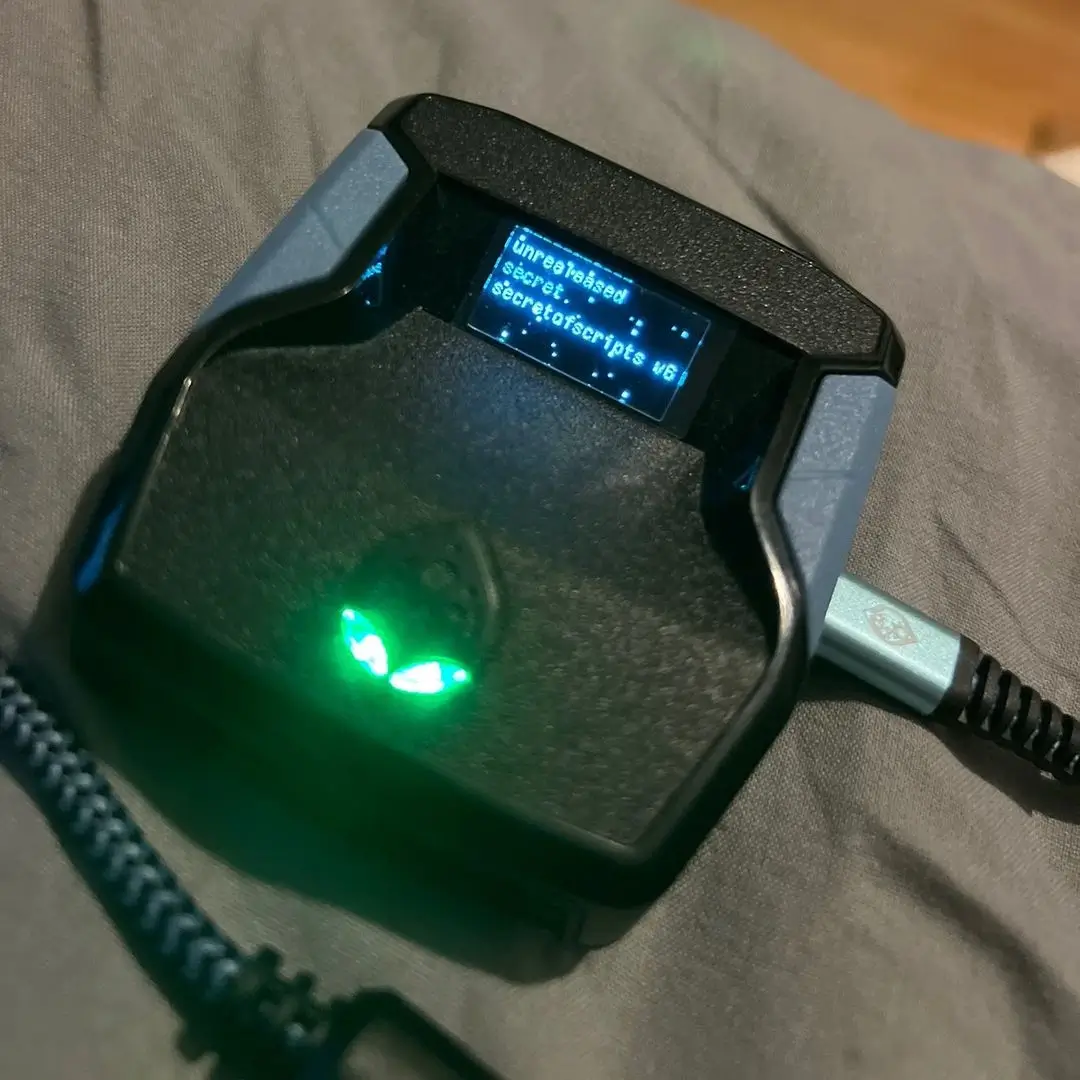
2k26 Lag Switch
Secret of Scripts
NBA 2k26
Saint V6 Remastered
ultimate

Saint V6 Remastered
Saint Scripts
Battlefield 6
Titan V3
ultimate


Titan V3
Cronus Zen Master
NBA 2K24
2k24 Auto Green v1.4
ultimate
2k24 Auto Green v1.4
Script City
NBA 2k26
2k26 AI
ultimate
2k26 AI
Avenged
NBA 2k26
2k26 Auto Green V2
ultimate
2k26 Auto Green V2
BoostSquad
NBA 2k26
2k26 Lag Switch
ultimate
2k26 Lag Switch
Secret of Scripts
NBA 2k26
2K Plus
ultimate

2K Plus
Yew
upgrade for full access
4.8/5 from 9,000+ Users
200+ Free Scripts • 4 Premium Scripts Weekly • No Credit Card required
Features

guides
This script includes an instruction guide
Mod Menu
This Script comes with a customizable Mod Menu
Guides
HOW TO USE SCRIPT
- This is not an auto green script. You still need to time your push timing on shot.
- It only times tempo for you on right stick rhythm timing shots.
- Your stick shot is remapped to □/X.
- When you press and hold □/X, the script automatically flicks the right stick downwards.
- Releasing □/X flicks it upwards.
- Timing is crucial for success.
TIMING TIPS
- Adjust your jumpshot’s visual cue settings to “RELEASE”.
- In-game, shoot as if using “SET POINT” for a perfect timing (This is the difference in Rhythm Shooting Push Timing).
- Your build/jumpshot will utilize different tempo timing.
- To adjust, change the value on the Zen Screen Menu Page 1.
- Decrease the value for slower tempos and increase it for faster ones.
- Test the script in various scenarios like quickstops, off-the-dribble, catch-and-shoot, and pump fakes.
ADDITIONAL NOTES
- Since □/X is remapped, you must use a different button for steals, layups, dunks, or normal shots.
- This map can be changed on Zen Screen Menu Page 2.
MENU OPERATION
- L2/LT + OPTIONS: Turns the script on/off.
- L2/LT + R1/RB: Transfer to Menu Page 2.
- L2/LT + L1/LB: Transfer to Menu Page 1.
COMPILER SETTINGS
If you understand how to use the Compiler, then you can set your desired values here that way you do not have to adjust them every time.
- Change wait_time value for tempo on line 43.
- Change btn_remapB value for default Square Remap on line 93.
- "0" for R3
- "1" for L1