UNLOCK THE FULL ZEN SCRIPT LIBRARY
Access 2,000+ Scripts Today!













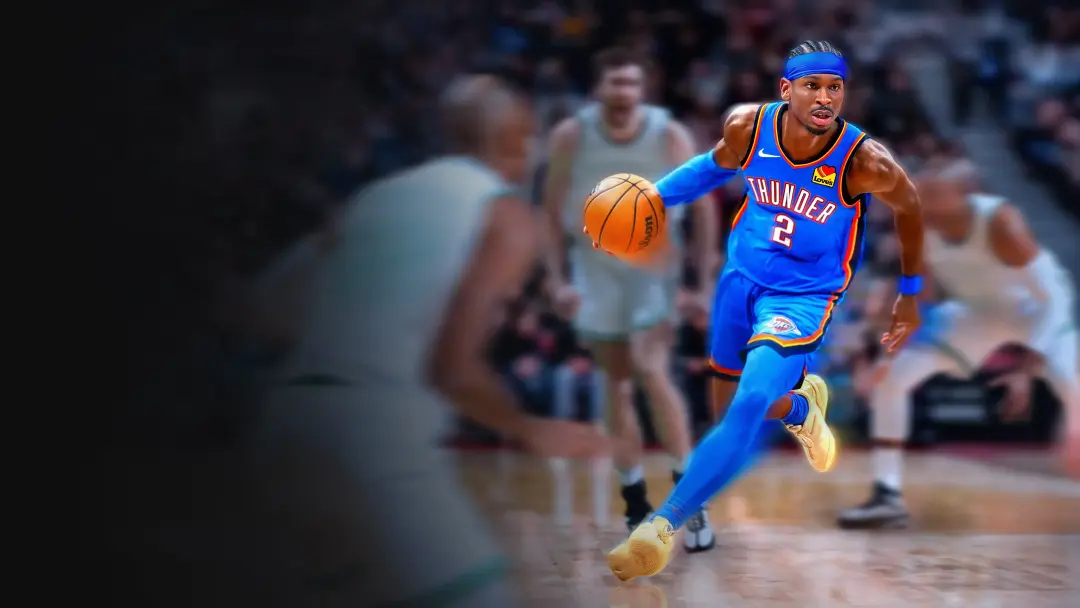
Abyss Small Guard – NBA 2k26 Cronus Zen Script
Script details
- Game
- NBA 2k26
- Creator
 Crime Scripts
- Access
- ultimate
- Download format
- .GPC
- Supported platforms
- cross-platform
- Listing updated
Abyss Small Guard is a NBA 2k26 Zen script by Crime Scripts. Explore its download and setup information below.
ABYSS ZEN V1 — The #1 NBA 2K26 Script
Tired of grinding with no results? Done watching other players dominate while you're stuck in the same loop? Abyss Zen V1 is the most advanced NBA 2K26 script on the market — and it's not even close.
While other scripts are clunky, detectable, and constantly breaking after updates, Abyss V1 stays ahead. Built specifically for 2K26, every feature is optimized for the way this game actually plays — so you're always a step ahead, on and off the court.
What makes Zen V1 the best:
- 2K26-optimized — not a recycled script, built for this game
- Lightning fast execution — no delay, no lag, just clean performance
- Stays updated — we patch after every 2K update so you're never left behind
- Precision features — everything you need, nothing you don't
- Active support — real help, fast responses
Other scripts will waste your time and your money. Abyss Zen V1 is what the top players are running — and now it can be yours.
The meta has changed. Have you?
Get Abyss Zen V1 — the last 2K26 script you'll ever need.
Features

Mod Menu

Guides
Guides
Jumpshot
- Patty Mills Double Darius Garland Release
- Use Zach Lavine Goto.
- Make sure to always time your Kemba to always green the shots.
- Also make sure to calibrate your tempo by taking 1 or 2 shots and greening them from the 3.
- If your still missing the goto shot, you may have to mess around with the ms a little bit by going up or down 1, just depends on your internet but for the most part it should be greening.
Installation & setup
Follow these steps to install the GPC download on your Cronus Zen.
-
Download the script
Use the download button on this page and save the .gpc file to your computer.
-
Connect your Cronus Zen
Open Zen Studio Live in Chrome or Edge.
- Connect your Cronus Zen through the PROG port and select 'Connect Device'.
-
Open the script in the Editor tab
Drag the downloaded .gpc file into the 'Editor' tab.
-
Add the script to a device slot
Go to the Device tab, select MY SCRIPTS at the top right, then drag the chosen .gpc file into an empty slot.
-
Program the Cronus Zen
Click the flashing orange Program button at the top to save the script to your Zen.
-
Connect, select your slot and test
After programming finishes, connect the Zen to your console or PC using your platform’s connection setup. Select the installed script’s slot, then follow the creator’s button layout and starting values. Test before changing settings, and adjust one value at a time.
Need help with setup?
If the Zen is not detected, check the PROG connection and use a USB cable that supports data. If a GPC file fails to compile, check that the download is complete and that it supports your version of Zen Studio.
Abyss Small Guard: common questions
How do I install Abyss Small Guard?
This download is a GPC script. Follow the numbered instructions above to open it in Zen Studio, assign a device slot and program your Zen.
What access do I need for Abyss Small Guard?
This script is listed in the ultimate library. Sign in with a plan that includes this tier; your download button shows the access available to your account.
Where can I find settings for Abyss Small Guard?
The creator’s guide is included on this page. The Recommended Values section contains the creator’s starting values. Sign in with the required access to view them, and match the script to your in-game settings before making adjustments.