UNLOCK THE FULL ZEN SCRIPT LIBRARY
Access 2,200+ Scripts Today!

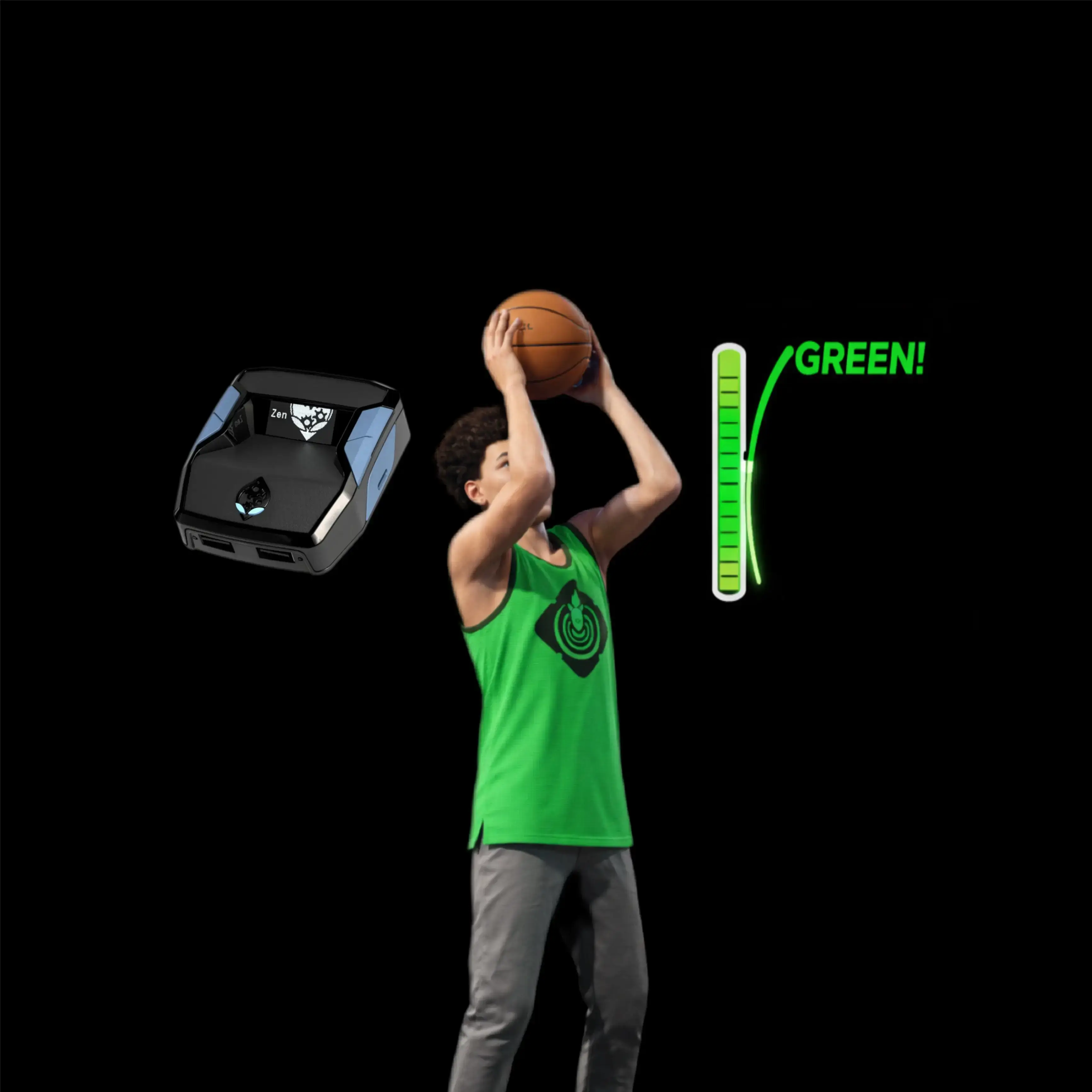







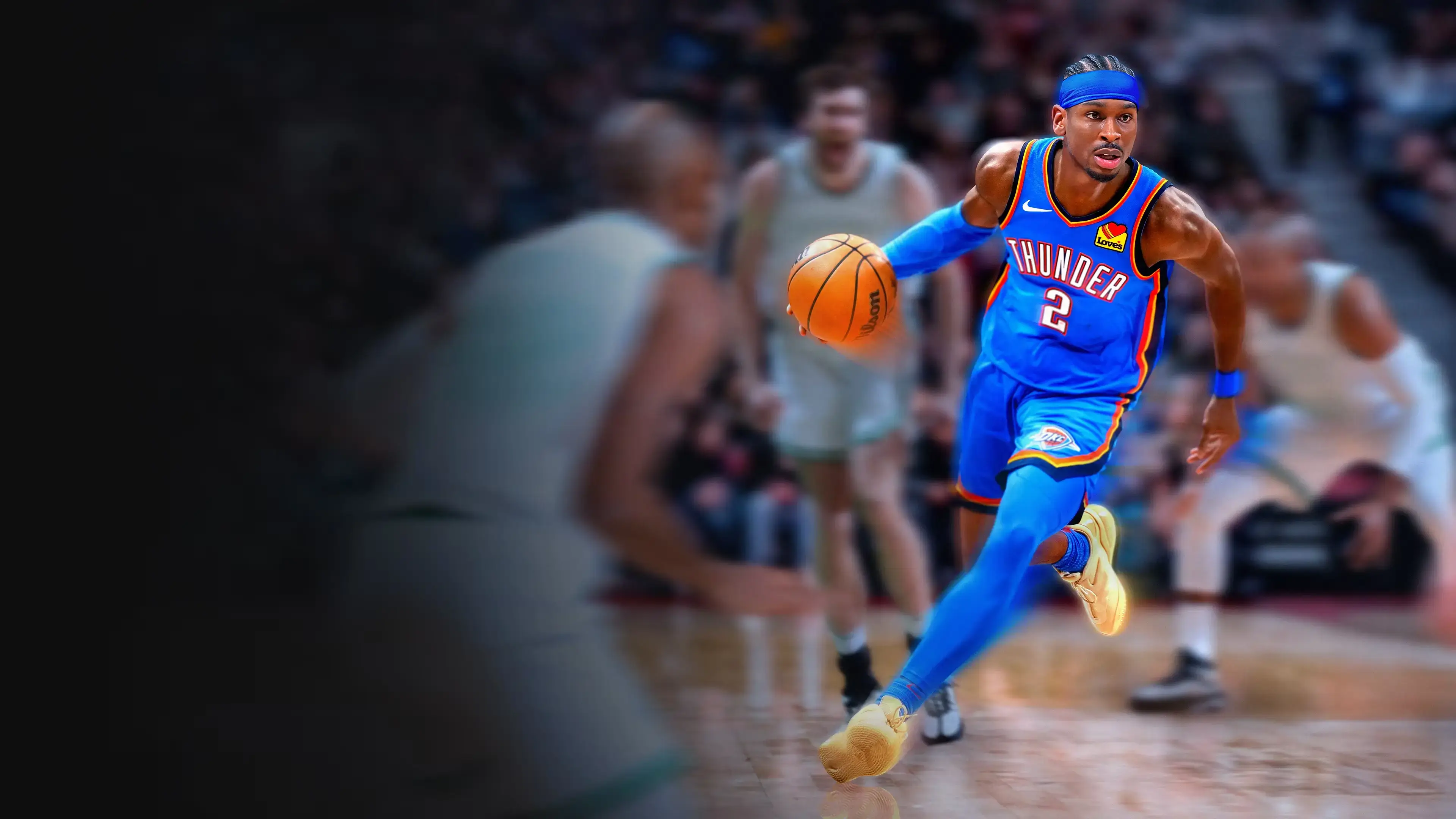
Yoga 2k26 V2 – NBA 2k26 Cronus Zen Script
Script details
- Game
- NBA 2k26
- Creator
 Yoga
- Access
- ultimate
- Download format
- .GPC
- Supported platforms
- cross-platform
- Version
- V2
- Listing updated
Yoga 2k26 V2 is a NBA 2k26 Zen script by Yoga. Explore its download and setup information below.
Yoga V2 — what’s different from Yoga V1?
Yoga V2 is a full rebuild of V1.
V1 was strictly a pure shooting script. V2 goes much further, introducing multiple specialized editions that affect different parts of gameplay. The upgrade isn’t just more consistent shooting — it’s entirely new systems layered on top of it.
All Yoga V2 editions improve shooting reliability, but each edition targets a specific area of the game.
Yoga V2: Boost Edition — $55
Stamina control
- Removes or heavily reduces stamina drain
- Sprint, dribble, defend, and shoot without fatigue
- No slowdown late in possessions
- Dribble moves stay clean
- No stamina-based shooting penalties
- Infinite stamina enables nonstop pressure with no drawback
Yoga V2: Locks Edition — $55
Defensive AI assistance
- Enhances or overrides defensive decision-making
- Auto-reacts to the ball handler
- Improved cut-off angles
- Faster reaction to drives
- Automatic contests
- “Glue” defense that stays attached to your matchup
- Makes defense effective even with bad positioning
- Feels like clamps without perfect timing
- Includes Pure Shooting built in
Yoga V2: Pure Shooting — $50
Shooting-focused
- Boosts shooting success beyond normal ratings
- Reduces or removes green-window penalties
- Higher make percentage on whites
- Larger green window
- Less impact from contest, timing, or stamina
- More consistent deep shots
- Turns average shooters into sharpshooters
- Shooting feels close to automatic
If you want, I can tighten this further for a store page, Discord announcement, or comparison table.
Features

Mod Menu

Multiple Versions
Installation & setup
Follow these steps to install the GPC download on your Cronus Zen.
-
Download the script
Use the download button on this page and save the .gpc file to your computer.
-
Connect your Cronus Zen
Open Zen Studio Live in Chrome or Edge.
- Connect your Cronus Zen through the PROG port and select 'Connect Device'.
-
Open the script in the Editor tab
Drag the downloaded .gpc file into the 'Editor' tab.
-
Add the script to a device slot
Go to the Device tab, select MY SCRIPTS at the top right, then drag the chosen .gpc file into an empty slot.
-
Program the Cronus Zen
Click the flashing orange Program button at the top to save the script to your Zen.
-
Connect, select your slot and test
After programming finishes, connect the Zen to your console or PC using your platform’s connection setup. Select the installed script’s slot, then follow the creator’s button layout and starting values. Test before changing settings, and adjust one value at a time.
Need help with setup?
If the Zen is not detected, check the PROG connection and use a USB cable that supports data. If a GPC file fails to compile, check that the download is complete and that it supports your version of Zen Studio.
Yoga 2k26 V2: common questions
How do I install Yoga 2k26 V2?
This download is a GPC script. Follow the numbered instructions above to open it in Zen Studio, assign a device slot and program your Zen.
What access do I need for Yoga 2k26 V2?
This script is listed in the ultimate library. Sign in with a plan that includes this tier; your download button shows the access available to your account.