UNLOCK THE FULL ZEN SCRIPT LIBRARY
Access 2,200+ Scripts Today!

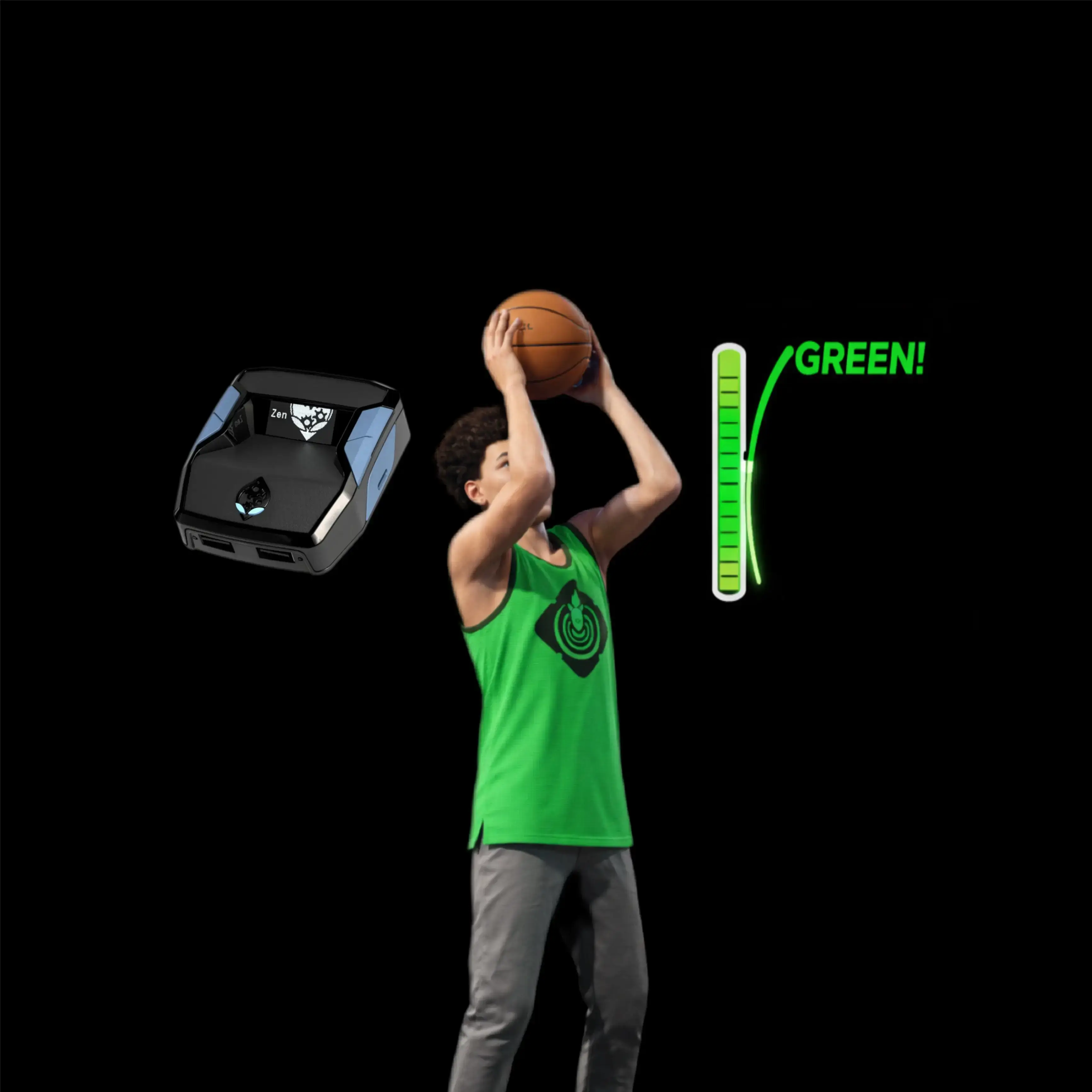








Golden SZ V4.5 – NBA 2k26 Cronus Zen Script

Script details
- Game
- NBA 2k26
- Creator
 Golden Scripts
- Access
- ultimate
- Download format
- .GPC
- Supported platforms
- cross-platform
- Version
- V4.5
- Listing updated
Golden SZ V4.5 is a NBA 2k26 Zen script by Golden Scripts. Explore its download and setup information below.
Golden SZ Zen Script v4 – NBA 2K26
-
Price: $70
-
The newest Golden Scripts Cronus Zen build for 2K26 (v4)
-
Rebuilt AI core with infinite stamina, cleaner timing, and haptic shot support
-
Designed for real in-game consistency, not test gym results
v4 Highlights
-
Infinite Stamina Engine – sprint, combo, rim run, and chase on defense without stamina drain
-
AI Button Tempo v2 – upgraded timing logic so hold-to-release aligns with the green window far more consistently than v3.5
-
Haptic Release Vibrator – controller vibrates during the exact green window; release when it stops
-
AI Auto-Green Upgrade – smarter window tracking for Park and Rec, adapting live to latency and jumper
-
RS + Button Sync – stick and button shooters use the same timing logic for identical feel
-
AI Defense Assist – improved lane-read and contest logic for natural on-ball defense
-
Overclock and Response Tweaks – faster internal response than v3.5 for menus, triggers, and shot inputs
-
Cleaner Mod Menu – reorganized layout for fast setup
Full Elite Feature Set
-
AI Tempo Manipulation – converts button shots into perfectly paced rhythm shots automatically
-
1-Button Auto-Green System – quick tap triggers AI-controlled green release
-
Dynamic Shot Intelligence – adapts in real time to build, latency, jumper speed, and mode
-
RS Auto Tempo – single RS flick, full stick timing handled automatically
-
Turbo and Quickstop Movement – fast pull-ups, space-creating stops, and fades with full release control
-
Infinite Stamina Module – built-in stamina protection for ISO guards, rim runners, and lockdowns
-
Defense Assist / AI Defense – clamp, mirror, and contest using L2 + R1 (PlayStation) or LT + RB (Xbox)
-
Dribble Combo Engine – ISO and D-Pad dribble sequences without stick fatigue or input delay
-
Dunk Meter Mod – smoother timing for contact and poster dunks
-
Haptic Release Vibrator – optional vibration cue matched to the green window
-
Customizable Mod Menu – adjust everything directly on the Zen, no PC edits required
-
Multiple Profiles – save up to three setups for Park, Rec, Stage, or different builds
-
Fully optimized for MyCareer, Park, Rec, Pro-Am, and Theater
Includes
-
Full setup and installation tutorials
-
Recommended in-game and Zen settings
-
24/7 community support via Discord
-
Free lifetime updates with every NBA 2K26 patch
Access
-
Instant download with full access
-
Community guides, support, and updates available via Discord
-
Win without limits. Green without effort. Dominate with Golden Scripts v4
Golden SZ, everywhere you play.
The Golden SZ script is built to stay consistent in Park, Rec, Stage, Theater and more.
Powered by Golden’s private AI engines, it’s the only NBA 2K26 Cronus Zen script we’ve tuned specifically for live online gameplay.
Load your slot, lock in your build, and let Golden SZ handle the hard part in the background.
Features

Mod Menu

Multiple Versions
Installation & setup
Follow these steps to install the GPC download on your Cronus Zen.
-
Download the script
Use the download button on this page and save the .gpc file to your computer.
-
Connect your Cronus Zen
Open Zen Studio Live in Chrome or Edge.
- Connect your Cronus Zen through the PROG port and select 'Connect Device'.
-
Open the script in the Editor tab
Drag the downloaded .gpc file into the 'Editor' tab.
-
Add the script to a device slot
Go to the Device tab, select MY SCRIPTS at the top right, then drag the chosen .gpc file into an empty slot.
-
Program the Cronus Zen
Click the flashing orange Program button at the top to save the script to your Zen.
-
Connect, select your slot and test
After programming finishes, connect the Zen to your console or PC using your platform’s connection setup. Select the installed script’s slot, then follow the creator’s button layout and starting values. Test before changing settings, and adjust one value at a time.
Need help with setup?
If the Zen is not detected, check the PROG connection and use a USB cable that supports data. If a GPC file fails to compile, check that the download is complete and that it supports your version of Zen Studio.
Golden SZ V4.5: common questions
How do I install Golden SZ V4.5?
This download is a GPC script. Follow the numbered instructions above to open it in Zen Studio, assign a device slot and program your Zen.
What access do I need for Golden SZ V4.5?
This script is listed in the ultimate library. Sign in with a plan that includes this tier; your download button shows the access available to your account.