افتح مكتبة سكربتات Zen الكاملة
احصل على 2,000+ السكربتات اليوم!










احصل على وصول فوري
100+ سكربت مجاني • 5 سكربتات Premium أسبوعيًا • لا حاجة إلى بطاقة ائتمان
4.8/5 من 40,000+ مستخدم



Ultimate
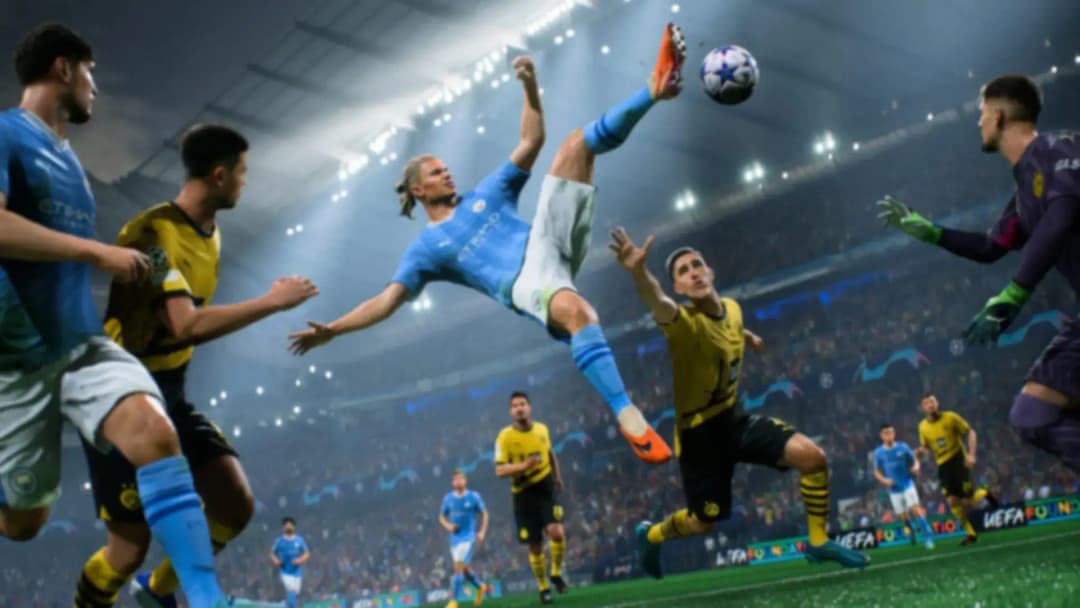
EA FC 27
EA FC 27 V1.5


تفاصيل السكربت
هذا سكربت Cronus Zen للعبة Ea Fc 27 من تطوير Luka Zen Scripts.
التعديلات المضمنة:
- 3 Touch Roulette
- Advanced Croqueta
- Advanced Rainbow
- Bal Roll Cut 180
- Ball Roll
- Ball Roll Chop
- Ball Roll Cut 180
- Ball Roll Fake Turn
- Ball Roll Scoop Turn
- Ball Roll-Step Over
- Body Feint
- Bolasie Flick
- Canc 4 Touch Turn
- Canc Berba Spin
- Cancel Four Touch Turn
- Cancel Shoot
- Canceled Three Touch Roulette
- Canceled Turn And Spin
- Cruyff Turn
- Diagonal Heel Chop
- Drag Back
- Drag To Drag
- Dribbling Skill
- Ea Ping
- Elastico
- Elastico Shop
- Fake Barba Opp Exit
- Fake Barba To Fake Drag
- Fake Rabona
- Fake Shot
- Fake Shot Cancel
- Feint & Exit
- Finesse Finish
- Finesse Ld
- Finesse Shot
- Four Touch Turn
- H To Heel Flick
- كعب نفض الغبار بدوره
- Heel To Ball Roll
- Hocus Pocus
- Jog Openup Fake Shot
- Juggle Back Sombrero
- Juggling Rainbow
- La Croqueta
- Lateral Heelto Heel
- Low Driven
- Luka Lock
- Nutmeg Skill
- Okkosha Flick
- Rainbow To Scorpion
- Reverse Stepover
- Ronaldo Chop
- Roulette
- Rs Skills
- Scoop Turn Fake
- Skilled Bridge
- Sombrero Flick
- Step Over Boost
- Step Over Feint
- Stop & V Drag
- Stop Neymar Roll
- Stutter Feint
- Tornado Spin
- Triple Elastico
- Trivela Ld
- Turn Back
- Waka Waka
الميزات

قائمة التعديلات
يتضمن هذا السكربت قائمة تعديلات قابلة للتخصيص

موصى به من فريقنا
We personally recommend this script

الأدلة
يتضمن هذا السكربت دليل استخدام
الأدلة
LUKAIM FC 27 - MOD GUIDE
- Menu Controls
- Open Menu
- PlayStation: Hold L2 + OPTIONS
- Xbox: Hold LT + MENU
- Navigation
- D-Pad Up / Down: Change option / value
- D-Pad Left / Right: Move between mods / settings
- X / A: Enter values
- Circle / B: Go back / exit menu
- Settings are automatically saved when you exit the menu.
- Button Conflict
- If you see BUTTON CONFLICT, another enabled mod is already using the same button.
- Choose a different button for one of the mods.
- Shooting
- Finesse Finish
- Automatically performs a Finesse Shot.
- Power: Controls how much shot power is used.
- Accuracy: Controls the shot timing.
- Button: Choose the button that activates the mod.
- Trivela LD
- Automatically performs a Trivela Low Driven Shot.
- Power: Controls the shot power.
- Accuracy: Controls the Low Driven timing.
- Button: Choose the button that activates the mod.
- Normal LD
- Automatically performs a normal Low Driven Shot.
- Power: Controls the first shot power.
- Accuracy: Controls the timing before the second shot input.
- Button: Choose the button that activates the mod.
- Finesse LD
- Automatically performs a Finesse Low Driven Shot.
- Power: Controls the shot power.
- Accuracy: Controls the Low Driven timing.
- Button: Choose the button that activates the mod.
- Skills
- RS Skills
- Lets you assign skills to the Right Stick.
- RS Up: Skill used when moving RS Up.
- RS Right: Skill used when moving RS Right.
- RS Down: Skill used when moving RS Down.
- RS Left: Skill used when moving RS Left.
- Modes
- Disabled: RS Skills are turned off.
- Always On: Your selected skills always work on the Right Stick.
- Double Tap BTN: Double tap your selected Modifier Button to turn RS Skills on or off.
- Modifier Button: Hold your selected Modifier Button + move the Right Stick to perform the selected skill.
- BTN Skills 1
- Lets you perform a selected skill using one button.
- Choose the skill you want from the main menu.
- Skill 1 BTN: Choose the activation button.
- Tap Type
- One Tap: Press the button once.
- Double Tap: Press the button twice quickly.
- Exit Direction: Choose Left or Right for supported skills.
- BTN Skills 2
- Works the same as BTN Skills 1.
- Gives you a second separate button skill.
- Skill 2 BTN: Choose the activation button.
- Tap Type: One Tap or Double Tap.
- Exit Direction: Choose Left or Right for supported skills.
- Movement
- Luka Lock
- One-button Player Lock.
- Normally, Player Lock requires L3 + R3.
- With Luka Lock, you only need to press your selected button.
- Luka Lock BTN: Choose which button activates Player Lock.
- Settings
- No Delay
- Off: Normal script speed.
- On: Runs the mod logic at approximately a 2ms VM interval.
- Recommended: On.
- Controller Layout
- Choose the layout that matches your FC settings.
- Classic
- Shoot: Circle / B
- Finesse: R1 / RB
- Sprint: R2 / RT
- Classic R2 Fin
- Shoot: Circle / B
- Finesse: R2 / RT
- Sprint: R1 / RB
- Alternate
- Shoot: Square / X
- Finesse: R1 / RB
- Sprint: R2 / RT
- Alt R2 Fin
- Shoot: Square / X
- Finesse: R2 / RT
- Sprint: R1 / RB
- Quick Tip
- For shooting mods:
- Power: Shot power
- Accuracy: Shot timing
- Button: Button that activates the mod
- Make sure two enabled mods are not using the same button.
- If BUTTON CONFLICT appears, change one of the buttons.