
UNLOCK THE FULL ZEN SCRIPT LIBRARY
Access 1,500+ Scripts Today!


2k24 Auto Green v1.4
Script City


2k26 AI
Avenged

2k26 Auto Green V2
BoostSquad
2k26 Lag Switch
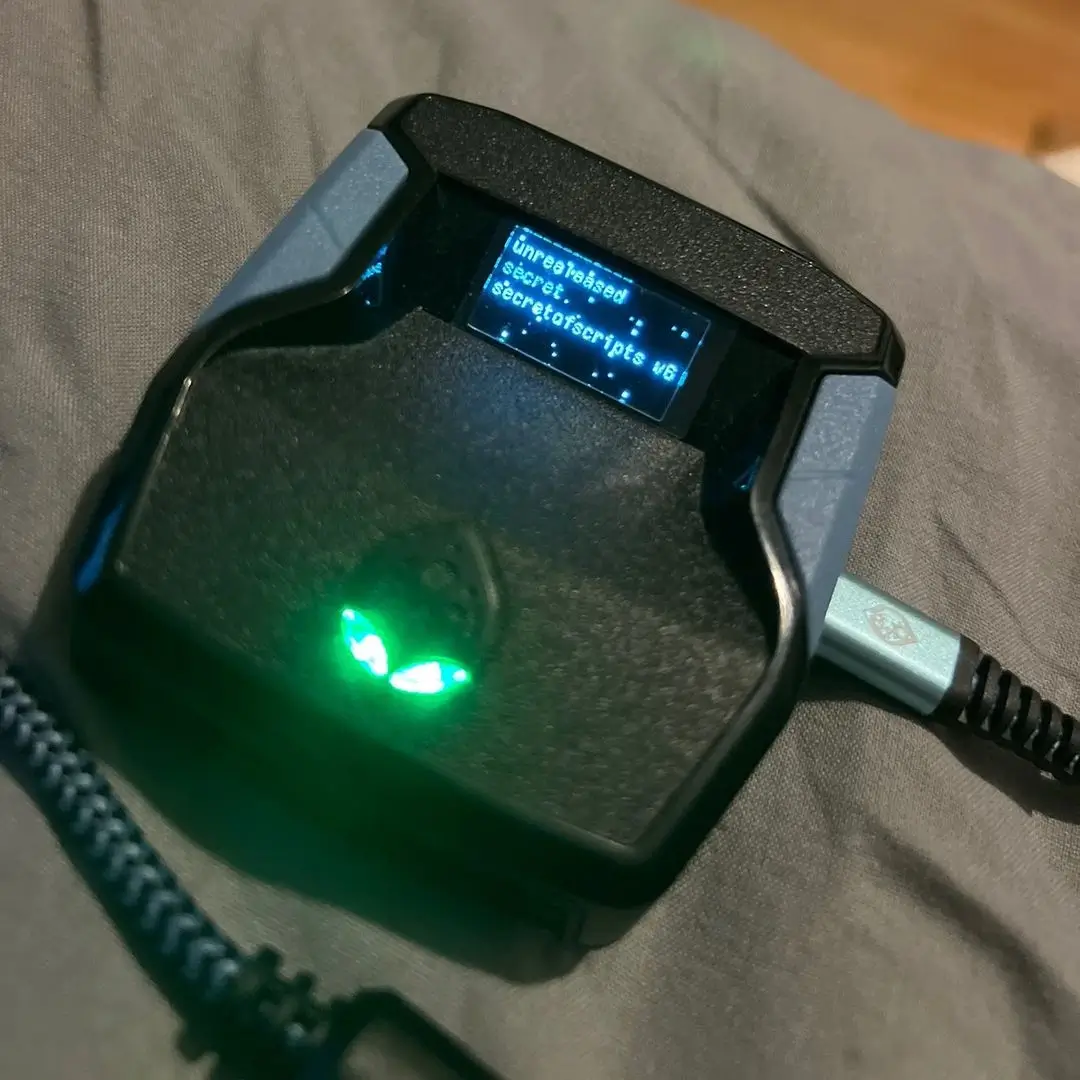
Secret of Scripts

Exodus V3
Cronus Zen Master
Evilbot V5
Cronus Zen Master
2k24 Auto Green v1.4
Script City
2k26 AI
Avenged
2k26 Auto Green V2
BoostSquad
2k26 Lag Switch
Secret of Scripts

2K Plus
Yew

Features

guides
Mod Menu
Multiple Versions
Guides
Setup Instructions
-
Make sure you have all your daily challenges saved before 11:45 pm (or 15 minutes before your challenges reset).
-
Go into starting 5 and load into a game.
-
When you get the ball quit the game instantly.
-
When you get back in the starting 5 lobby quit into the main menu of 2k26.
-
Close the app and relaunch 2k26.
-
Load into mycareer with the same MyPlayer you were just on.
-
Once loaded in, press the Xbox button so the sidebar pops up.
-
Go down to 2k26.
-
Click the 3 lines/menu button.
-
Go down and click on Manage Game and Addons.
-
Go down to Saved Data and click on it.
-
Go to the profile you are doing the glitch on and click on it.
-
When deleting your data make sure you delete from console only.
Testing if You Setup Correctly
-
Load into 2k26 but do not open any builds before 12:00 (or when your daily challenges reset).
-
One minute after your daily challenges reset, create a new build and open it. Example: 12:01 create a 60ovr and load into it.
-
Skip the cutscenes.
-
Open your menu and go to your attributes tab.
-
If your VC goes up you successfully done the glitch. If not, you have to wait until tomorrow.
How to Automate with a Zen
-
Program the Spikes V2 VC Generator onto your Cronus Zen.
-
Go onto your Xbox home menu.
-
Press LT + Options.
-
Let it AFK.