UNLOCK THE FULL ZEN SCRIPT LIBRARY
Access 1,500+ Scripts Today!


2k24 Auto Green v1.4
Script City


2k26 AI
Avenged

2k26 Auto Green V2
BoostSquad
2k26 Lag Switch
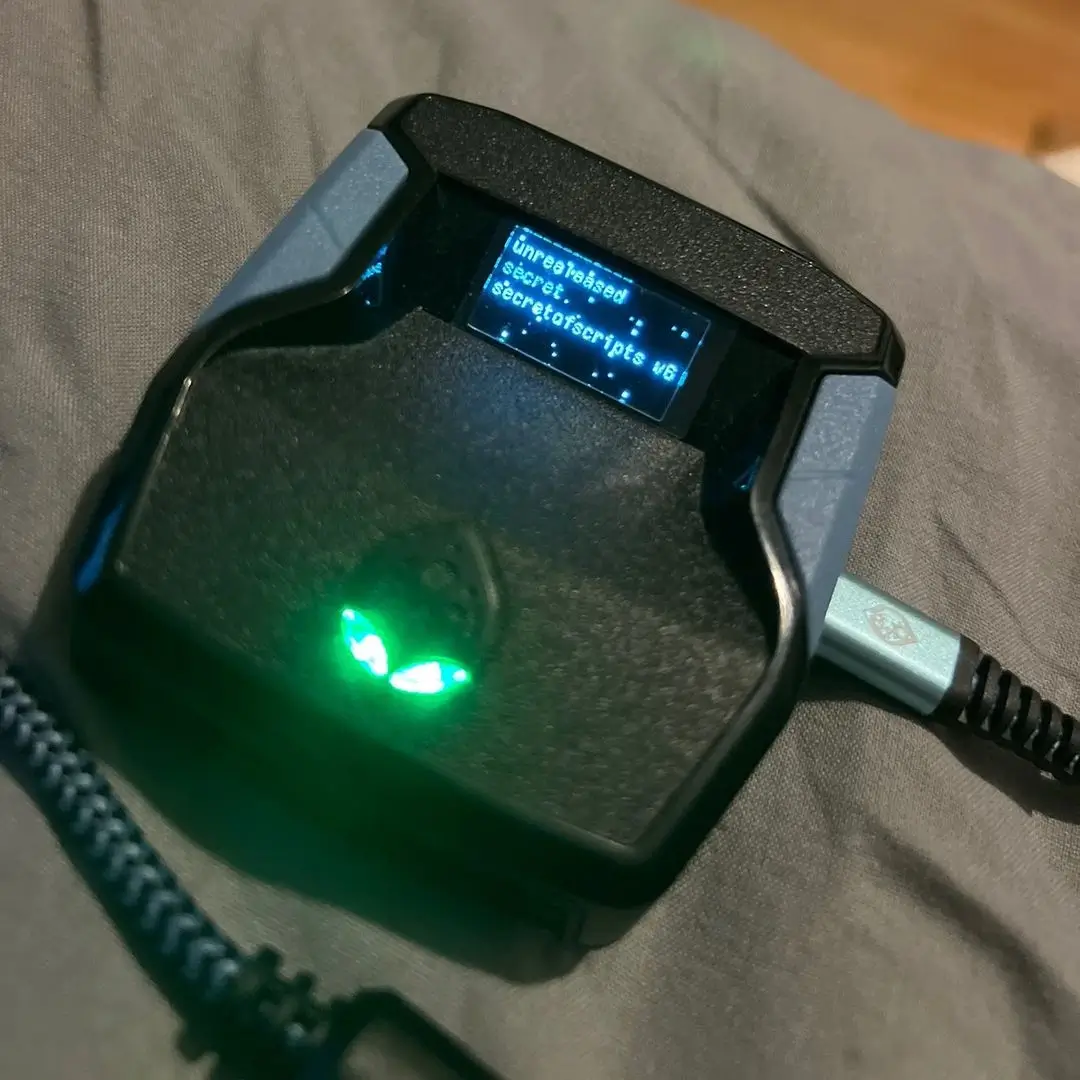
Secret of Scripts

Saint V6 Remastered
Saint Scripts


Titan V3
Cronus Zen Master
2k24 Auto Green v1.4
Script City
2k26 AI
Avenged
2k26 Auto Green V2
BoostSquad
2k26 Lag Switch
Secret of Scripts

2K Plus
Yew

Script details
V6 Update – What’s New
- Optimized Auto-Green & Tempo AI
Even smoother, faster, and more adaptive to your playstyle — near-perfect timing every single shot. - New No-Dip Mod
Instant shots with zero dip animation. The ball’s up before the defender can even react. - More Profiles
Save up to 6 profiles instead of 3 — perfect for switching between builds or playstyles. - Customizable Dribble Combos
More dribble combos added, plus the ability to assign any combo to each D-Pad button. - Faster Quickstop
Now completely instant — stop on a dime with no delay. - Meter Dunk Upgrade
Choose between L1/LB or Circle/B to trigger your dunk for total flexibility. - OLED Color Customization
Change your Cronus Zen OLED color directly inside the mod menu.
No-Dip Mod in Action
Press L2 + Square/X (PS) or L1 + LB (Xbox) right before receiving the ball to trigger a perfect no-dip shot.
Features

guides
Values
Mod Menu
Multiple Versions
Recommended by us
Guides
Accessing the Legacy Mod Menu
For PlayStation:
- Hold down L2
- While holding L2, press OPTIONS
For Xbox:
- Hold down LT
- While holding LT, press MENU
These key combinations will bring up the Legacy Mod Menu, allowing you to customize the script with ease.
🎮 Button Behavior
- When enabled, your SQ / X button gets remapped to perform a rhythm shot using RS down
- As soon as you release the button, the script waits based on your Tempo Wait Time, then flicks RS up to simulate a full shot
- You must still time your release — this just helps automate the motion
🔁 Button Remap (Page 1)
Since X is used to trigger a rhythm shot, you can remap it to another button for normal functions like dunking, stealing, etc.
Options:
- R3 / RS IN
- L1 / LB
Choose whichever one feels more natural. This way, you can still dunk, steal, etc., while using rhythm shooting.
⏱️ Tempo Wait Time (Page 3)
Controls how long the script waits before pushing RS up after the RS down motion.
- Value is in milliseconds (ms)
How to Tune It:
- If your shot says “Slightly Fast” consistently → Increase the wait time
- If your shot says “Slightly Late” consistently → Decrease the wait time
Tempo timing is different from your in-game jumpshot cue. This will take some practice to get right.
Simulate Online Latency (MyCourt Server Trick)
- Go into your MyCourt
- Open your Friends List by holding L1 + R1 (PS) or LB + RB (Xbox)
- Click any friend and hit "Connect to Server"
- Once the option disappears, close the menu — you're now simulating online latency in MyCourt
Set Difficulty to Match Online Games
- After entering the court, press OPTIONS (PS) or MENU (XB)
- Look at the top of the screen above Continue
- Press R3 (PS) or RS IN (XB) to toggle slider presets. If you're using X/Square to shoot, you won’t be able to press R3 — turn the mod OFF temporarily to change difficulty
How to Find Your Release Cue
- Make sure Shot Feedback is turned ON
- Take a few rhythm shots using the script
- Pay attention to your timing results:
Slightly Early / Slightly Fast = You’re releasing too soon
Slightly Late / Slightly Slow = You’re releasing too late
How to Tune Your Tempo Wait Time
If your feedback is consistently slightly off, adjust your Tempo Wait Time:
- Slightly Fast? → Increase your wait time
- Slightly Slow? → Decrease your wait time
The goal is to hit the center of the green window, not the edge where your make rate drops to around 40%.
Recommended Values
Button Shooters
- SQ/X Rhythm: On
- SQ is mapped to: L1 or R3 (switch between the two)
- RS Auto Tempo: Off
- Tempo Wait Time: 39ms
- Auto Quickstop: L2 / LT QS
- Dribble Combos: On (if you know how to dribble, keep this off)
- Defense Assist: On
- Turbo Shots: Off
Right Stick Shooters
(Not recommended — rhythm shooting with SQ/X is better)
- SQ/X Rhythm: Off
- SQ is mapped to: SQ / X
- RS Auto Tempo: On
- Tempo Wait Time: 39ms
- Auto Quickstop: L2 / LT QS
- Dribble Combos: On (if you know how to dribble, keep this off)
- Defense Assist: On
- Turbo Shots: Off