UNLOCK THE FULL ZEN SCRIPT LIBRARY
Access 2,000+ Scripts Today!









GET INSTANT ACCESS
100+ Free Scripts • 5 Premium Scripts Weekly • No Credit Card required
4.8/5 from 40,000+ Users



ultimate
NBA 2k26
Saint V5.1

Script details
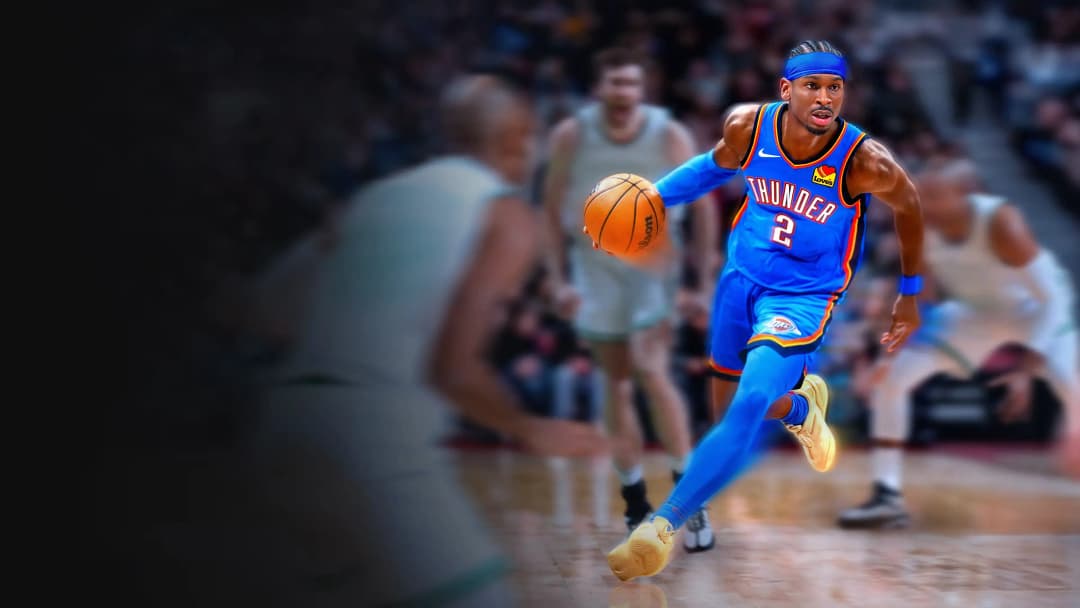
This is a Nba 2k26 Cronus Zen Script developed by Saint.
Includes mods:
- Auto Green
- Auto Quickstop
- Catch And Shoot
- Defense Assist
- Defense Boost
- Spot Take
- Square Rhythm
- Tempo Shooting
Features

Guides
This script includes an instruction guide

Mod Menu
This Script comes with a customizable Mod Menu
Guides
SHOT FEEDBACK BREAKDOWN
YOU’RE RELEASING TOO EARLY IF YOU SEE:
- Slightly Early
- Slightly Rushed
YOU’RE RELEASING TOO LATE IF YOU SEE:
- Slightly Late
- Slightly Slow
FIX CONSTANT “SLIGHTLY” RESULTS
If your feedback is always “Slightly”, adjust your Tempo Standing:
- Slightly Rushed → Increase Tempo Number
- Slightly Slow → Decrease Tempo Number
FEATURES
- Rhythm Shooting with □ / X
- Catch and Shoot Auto Timing
- Anti Detection
- Auto Quickstop
- Defense Boost
- Spot Take (Hold X to rapid fire X)
HOW TO USE SCRIPT
Menu Locked
- Script remains active while restoring normal button functionality
- Useful when navigating menus or changing pages frequently
- Lock the menu with L2 + OPTIONS on any screen
Page Switching
- L2 + R1 → Next Page
- L2 + L1 → Previous Page
RHYTHM SHOOTING WITH □ / X (Page 1 & 2)
Page 1
- Toggle Rhythm Shooting ON or OFF
- Hold and release □ / X at the SET POINT
- Script automatically flicks the right stick for you
- You still must manually time the shot
- Most accurate shooting method when timed correctly
- Rhythm Shooting is slower than normal shooting, so use your remapped button for tight windows
Page 2
- Adjust your Tempo Timing value
- Every jumpshot requires a different value
- Practice shots are recommended to find the correct timing
- Shoot at the SET POINT cue for perfect timing
- Release cue does not matter with Rhythm Shooting
- Good timing window is approximately 120ms
Shot Feedback Fixes
- Slightly Slow:
- You are likely releasing too late
- Decrease Tempo Timing if needed
- Slightly Fast:
- You are likely releasing too early
- Increase Tempo Timing if needed
CATCH AND SHOOT AUTO TIMING (Page 3)
- Set both Tempo Timing and Catch & Shoot values before using in-game
- Go to MyCourt and join a friend’s server
- Turn Shot Meter ON
- Hold D-Pad UP + Square to activate
Adjustment Rules
- Late Release → Decrease Timing
- Early Release → Increase Timing
ORIGINAL SQUARE REMAPPING (Page 4)
- Since □ / X is remapped for Rhythm Shooting, you can assign normal actions to:
- L1
- R3
- Used for:
- Reaching
- Layups
- Dunks
SMOOTHING (Page 5)
- Randomizes Tempo and Catch & Shoot timing by ±3ms
- Helps reduce detection risk
- Should not affect shot consistency if timing is correct
AUTO QUICKSTOP (Page 6)
- While moving with the LEFT STICK:
- Hold □ / X
- Script automatically quickstops and begins the shot
- You still need to time the release manually
DEFENSE BOOST (Page 7)
- Hold L2 on defense
- Press or hold R1
- Gain a movement boost in the direction of your LEFT STICK
Important
- Poor left stick control can cause boosts in unintended directions
SPOT TAKE (Page 8)
- When enabled:
- Hold X / □
- Script rapidly auto-clicks X at maximum speed
PAGE 1 — TEMPO TIMING ADJUSTMENTS
Increase / Decrease by 1
- L2 + UP
- L2 + DOWN
Increase / Decrease by 5
- L2 + RIGHT
- L2 + LEFT
PAGE 2 — CATCH & SHOOT TIMING ADJUSTMENTS
Increase / Decrease by 1
- L2 + UP
- L2 + DOWN
Increase / Decrease by 10
- L2 + RIGHT
- L2 + LEFT