UNLOCK THE FULL ZEN SCRIPT LIBRARY
Access 2,000+ Scripts Today!












Script details
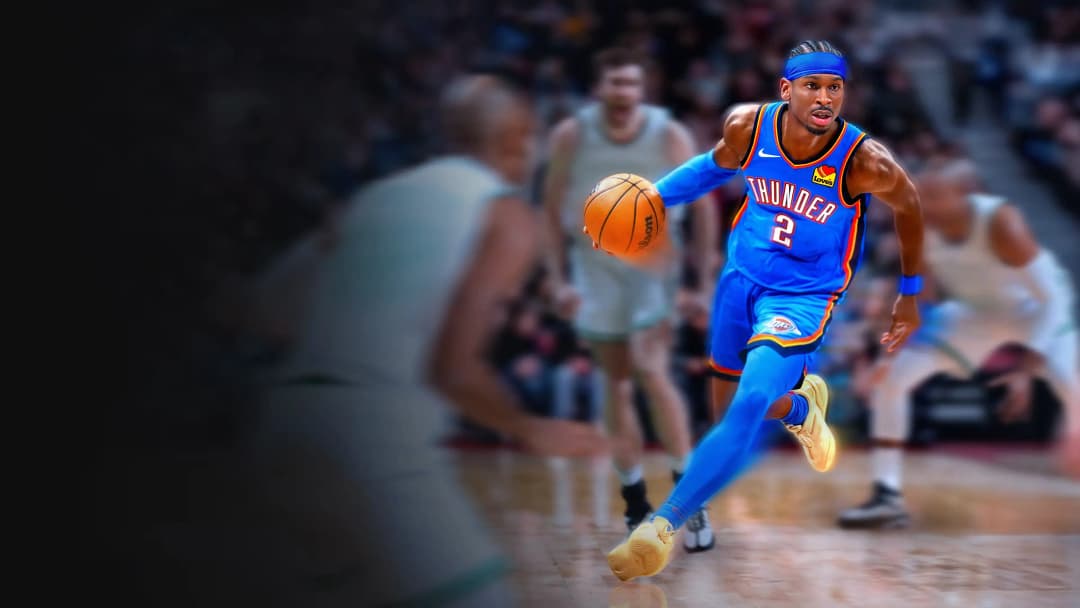
This is a Nba 2k26 Cronus Zen Script developed by Feature.
Includes mods:
- Auto Dribbles
- Auto Green
- Auto Quickstop
- Defense Ai
- Defense Assist
- Meter Dunk
- Remap Square
- Rs Auto Tempo
- Rs Shooting
- Tempo Ai
- Turbo Shots
Features

Guides

Mod Menu

Values
Guides
Accessing the Legacy Mod Menu
For PlayStation:
- Hold down L2
- While holding L2, press OPTIONS
For Xbox:
- Hold down LT
- While holding LT, press MENU
These key combinations will bring up the Legacy Mod Menu, allowing you to customize the script with ease.
🎮 Button Behavior
- When enabled, your SQ / X button gets remapped to perform a rhythm shot using RS down
- As soon as you release the button, the script waits based on your Tempo Wait Time, then flicks RS up to simulate a full shot
- You must still time your release — this just helps automate the motion
🔁 Button Remap (Page 1)
Since X is used to trigger a rhythm shot, you can remap it to another button for normal functions like dunking, stealing, etc.
Options:
- R3 / RS IN
- L1 / LB
Choose whichever one feels more natural. This way, you can still dunk, steal, etc., while using rhythm shooting.
⏱️ Tempo Wait Time (Page 3)
Controls how long the script waits before pushing RS up after the RS down motion.
- Value is in milliseconds (ms)
How to Tune It:
- If your shot says “Slightly Fast” consistently → Increase the wait time
- If your shot says “Slightly Late” consistently → Decrease the wait time
Tempo timing is different from your in-game jumpshot cue. This will take some practice to get right.
Simulate Online Latency (MyCourt Server Trick)
- Go into your MyCourt
- Open your Friends List by holding L1 + R1 (PS) or LB + RB (Xbox)
- Click any friend and hit "Connect to Server"
- Once the option disappears, close the menu — you're now simulating online latency in MyCourt
Set Difficulty to Match Online Games
- After entering the court, press OPTIONS (PS) or MENU (XB)
- Look at the top of the screen above Continue
- Press R3 (PS) or RS IN (XB) to toggle slider presets. If you're using X/Square to shoot, you won’t be able to press R3 — turn the mod OFF temporarily to change difficulty
How to Find Your Release Cue
- Make sure Shot Feedback is turned ON
- Take a few rhythm shots using the script
- Pay attention to your timing results:
- Slightly Early / Slightly Fast = You’re releasing too soon
- Slightly Late / Slightly Slow = You’re releasing too late
How to Tune Your Tempo Wait Time
If your feedback is consistently slightly off, adjust your Tempo Wait Time:
- Slightly Fast? → Increase your wait time
- Slightly Slow? → Decrease your wait time
The goal is to hit the center of the green window, not the edge where your make rate drops to around 40%.
Recommended Values
Button Shooters
- SQ/X Rhythm: On
- SQ is mapped to: L1 or R3 (switch between the two)
- RS Auto Tempo: Off
- Tempo Wait Time: 39ms
- Auto Quickstop: L2 / LT QS
- Dribble Combos: On (if you know how to dribble, keep this off)
- Defense Assist: On
- Turbo Shots: Off
Right Stick Shooters
(Not recommended — rhythm shooting with SQ/X is better)
- SQ/X Rhythm: Off
- SQ is mapped to: SQ / X
- RS Auto Tempo: On
- Tempo Wait Time: 39ms
- Auto Quickstop: L2 / LT QS
- Dribble Combos: On (if you know how to dribble, keep this off)
- Defense Assist: On
- Turbo Shots: Off